1
Navigate to 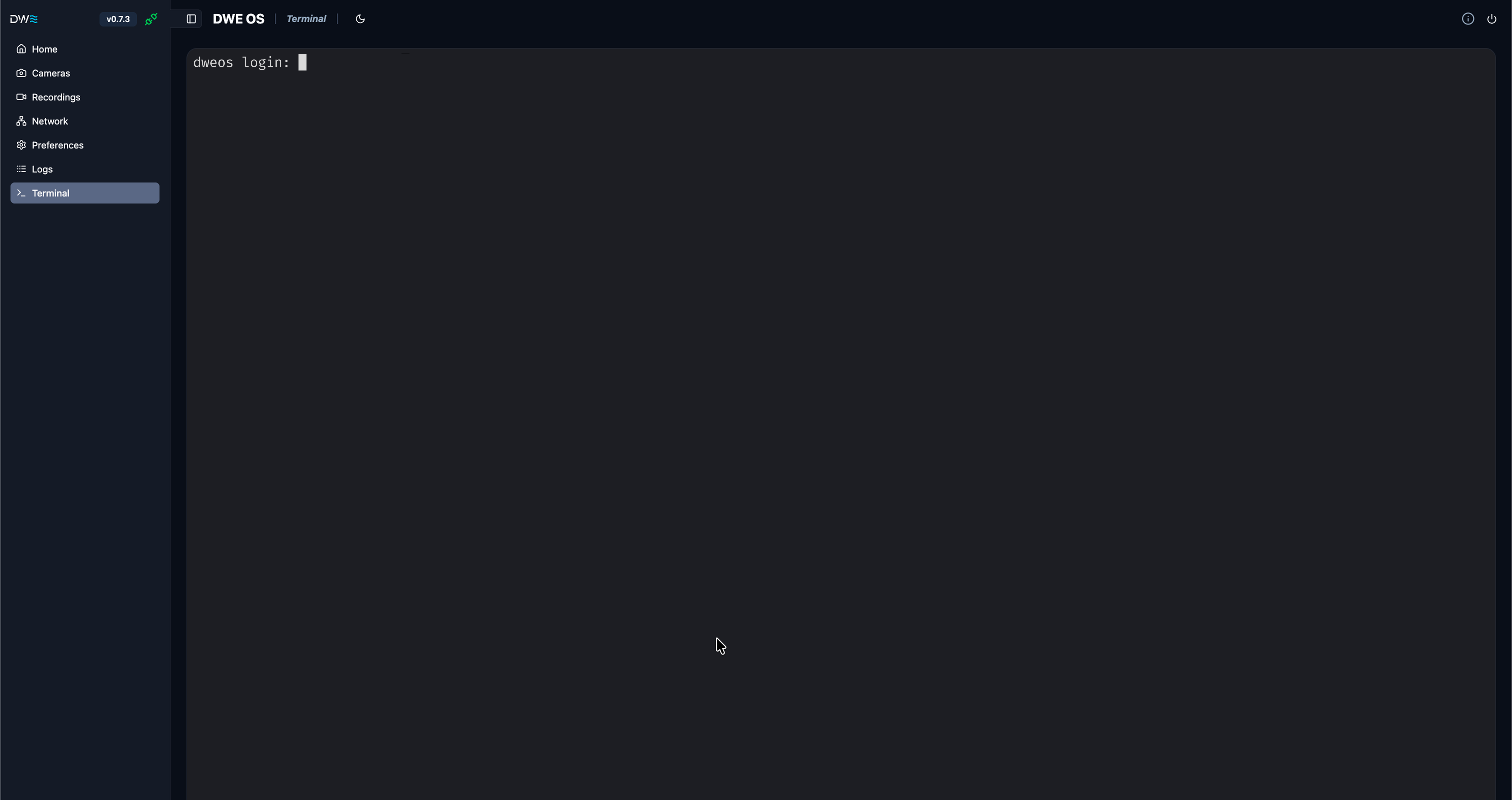
Communications/Terminal - You will be greeted with a terminal
window and a login prompt2
Click on the terminal view to focus it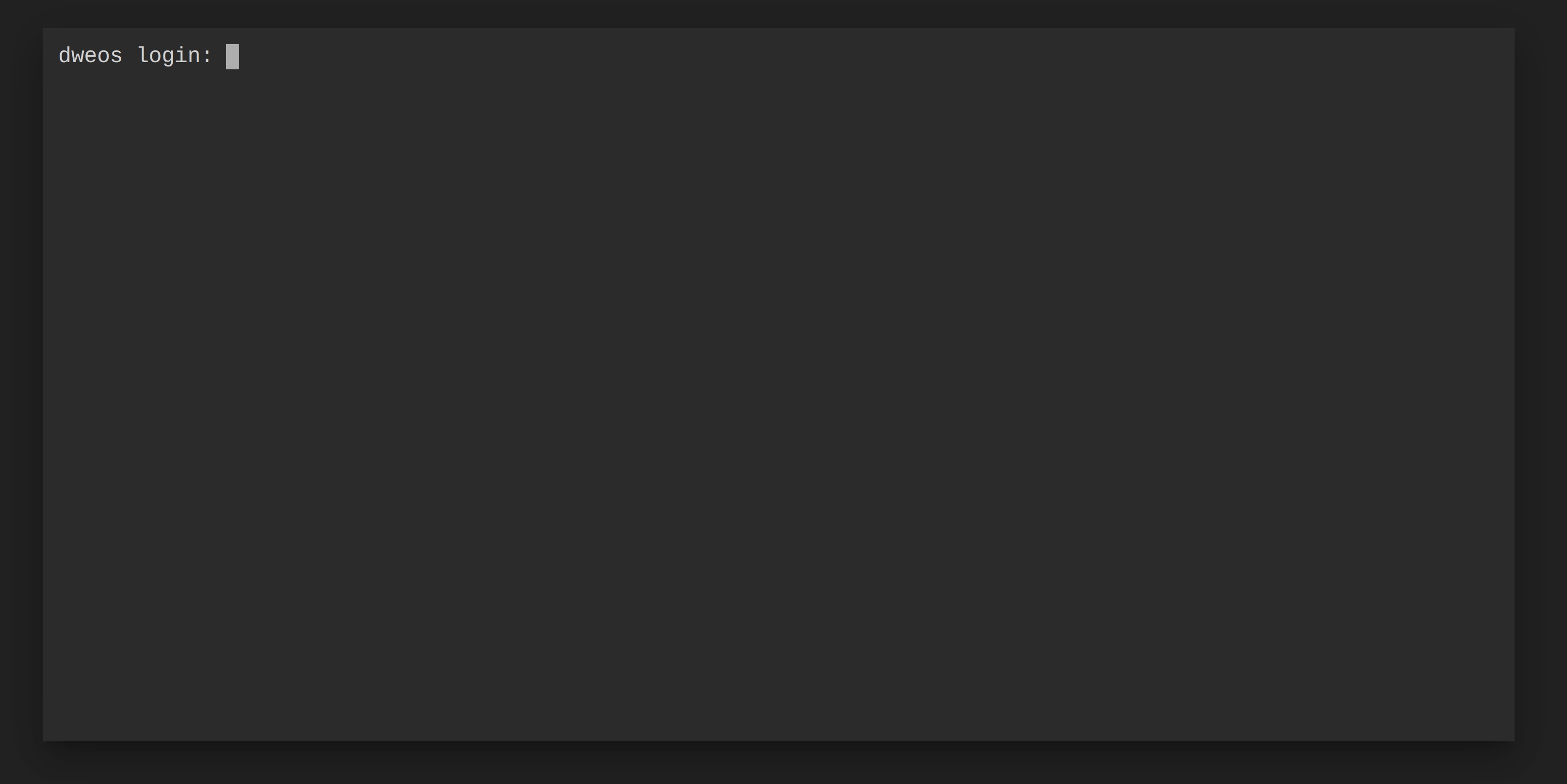
3
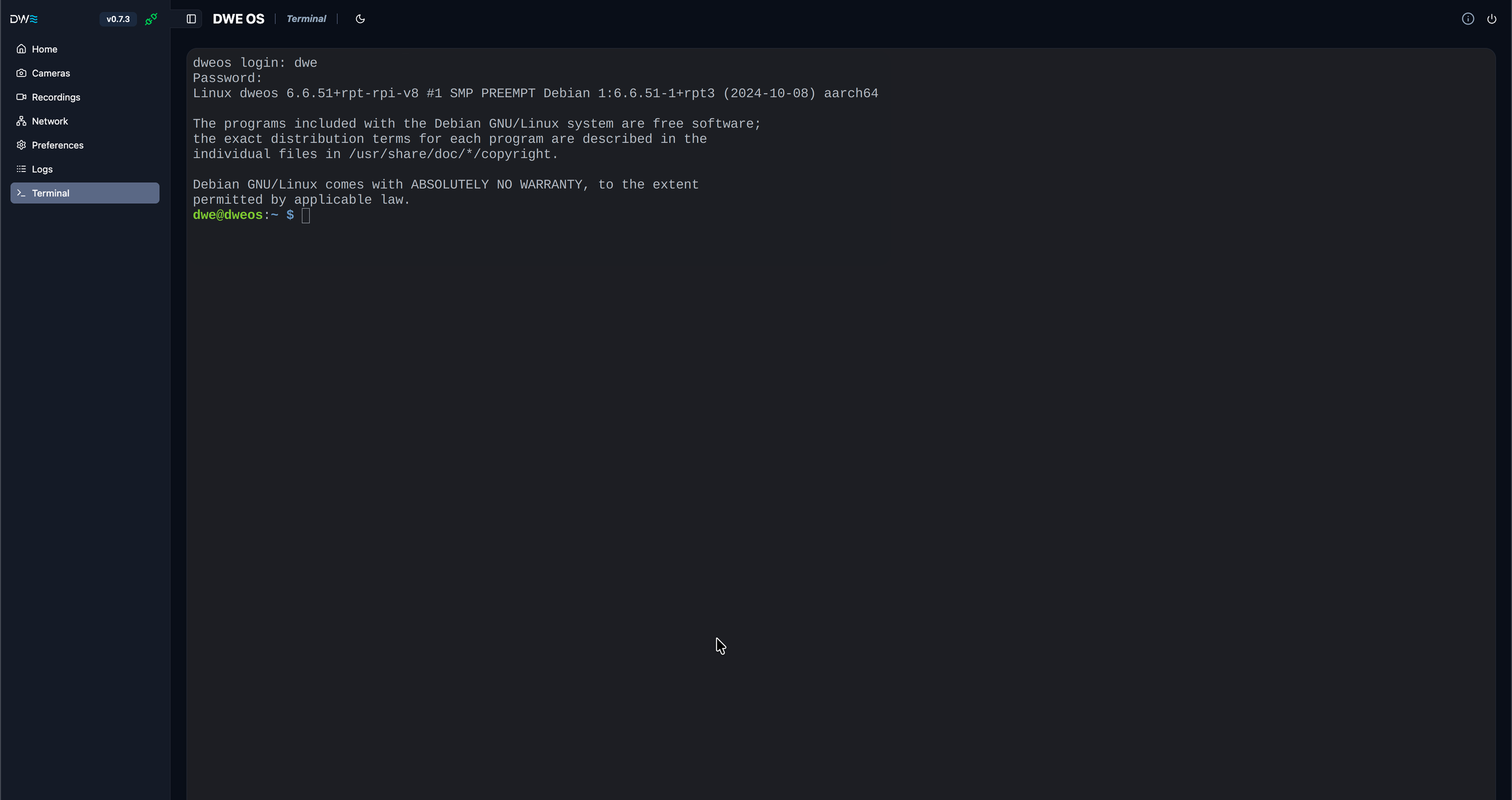
Type the username of the device and press enter. Then type the password
and press enter again.
If using any of the provided dweOS images, the username is
dwe
and the password is deepwater4
The terminal should now be open