

1
Make sure you have dweOS installed on your subsea computer
dweOS Installation
Follow this guide to install dweOS on your device
2
Follow network setup guide on your desktop/laptop computer
Desktop Network Settings
Click here to setup your PC/Laptop to connect to your Raspberry Pi.
3
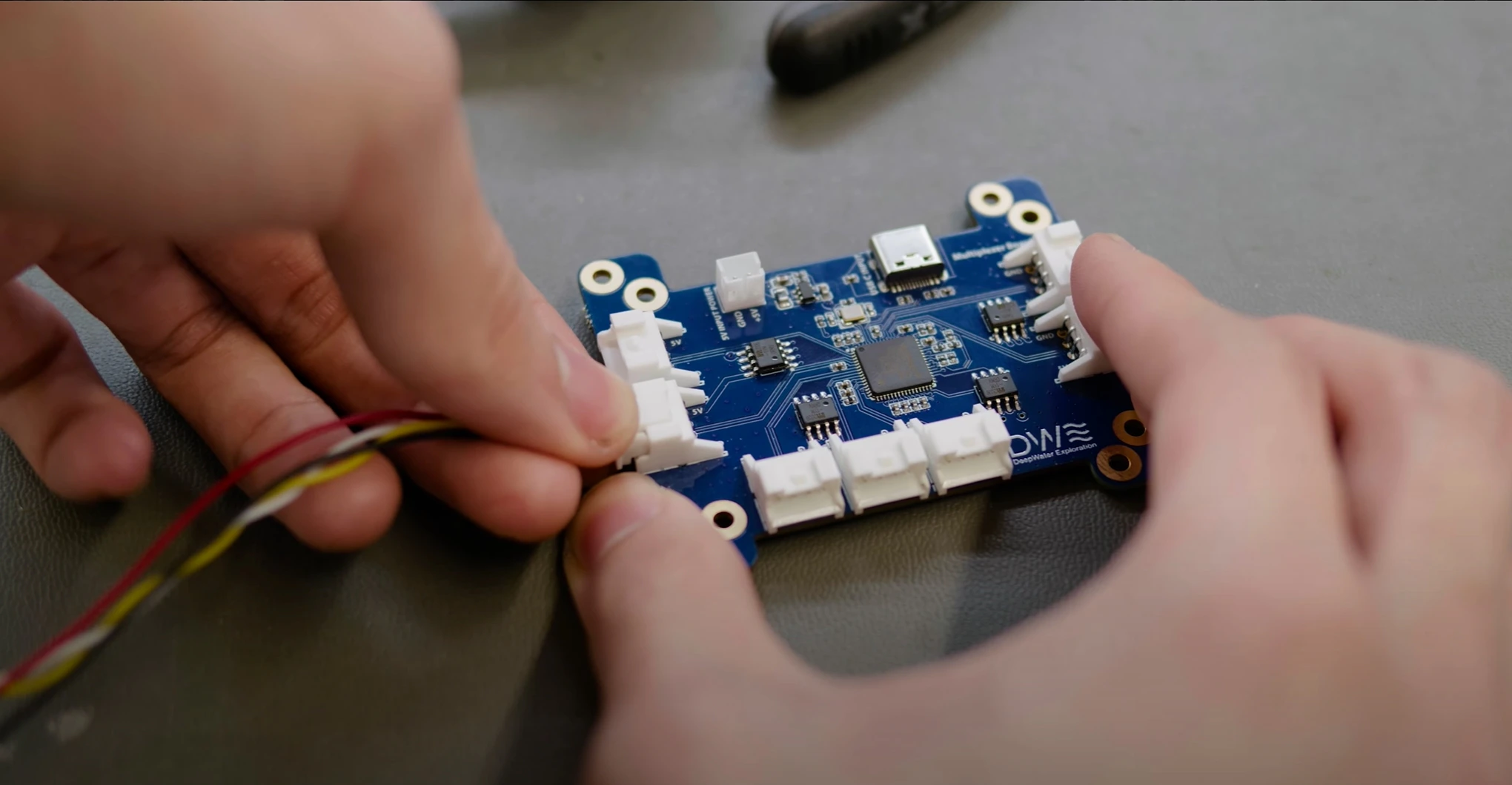
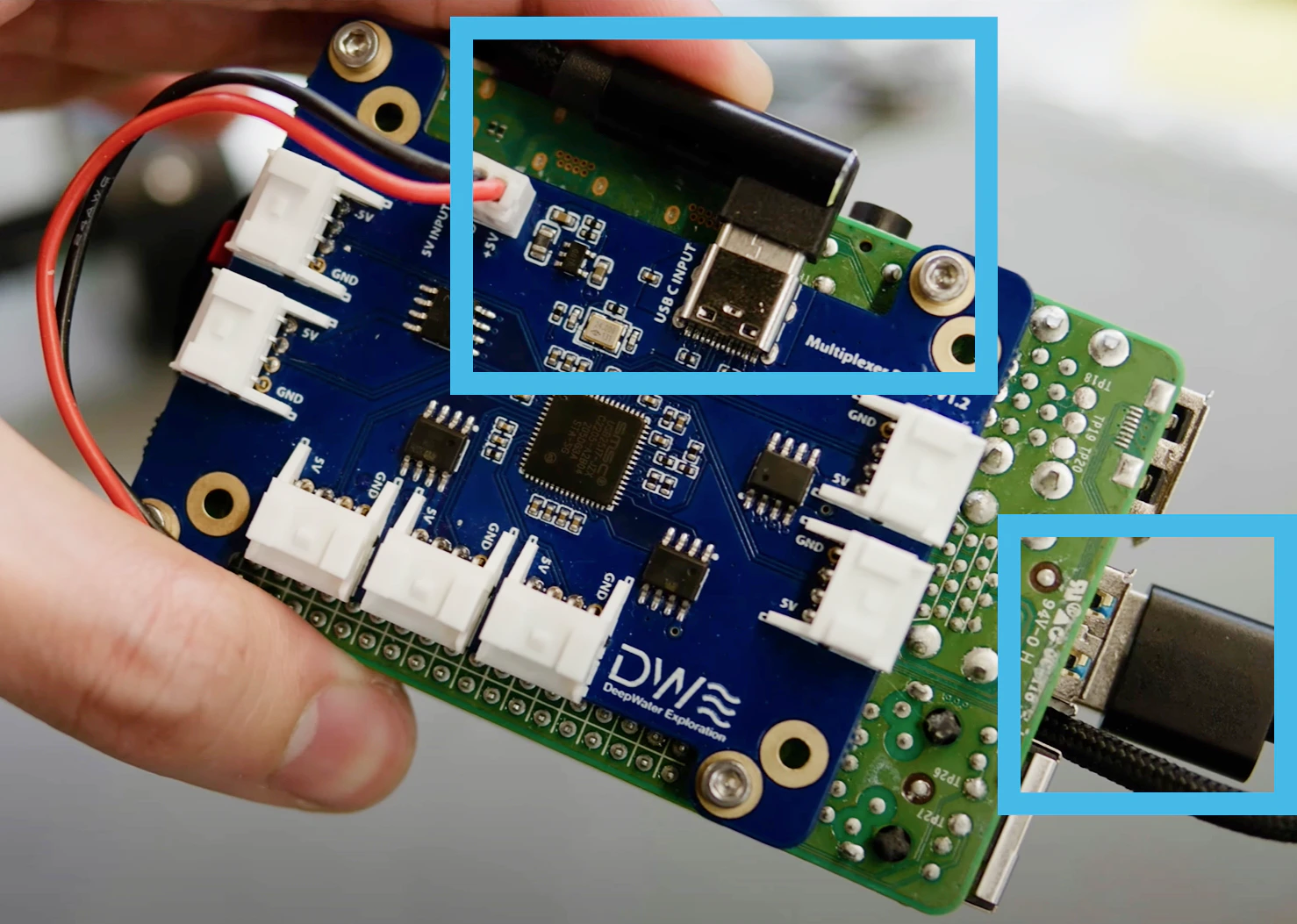
Connect your cameras to your device
- USB-Type A
- 7-Port Multiplexer Hub
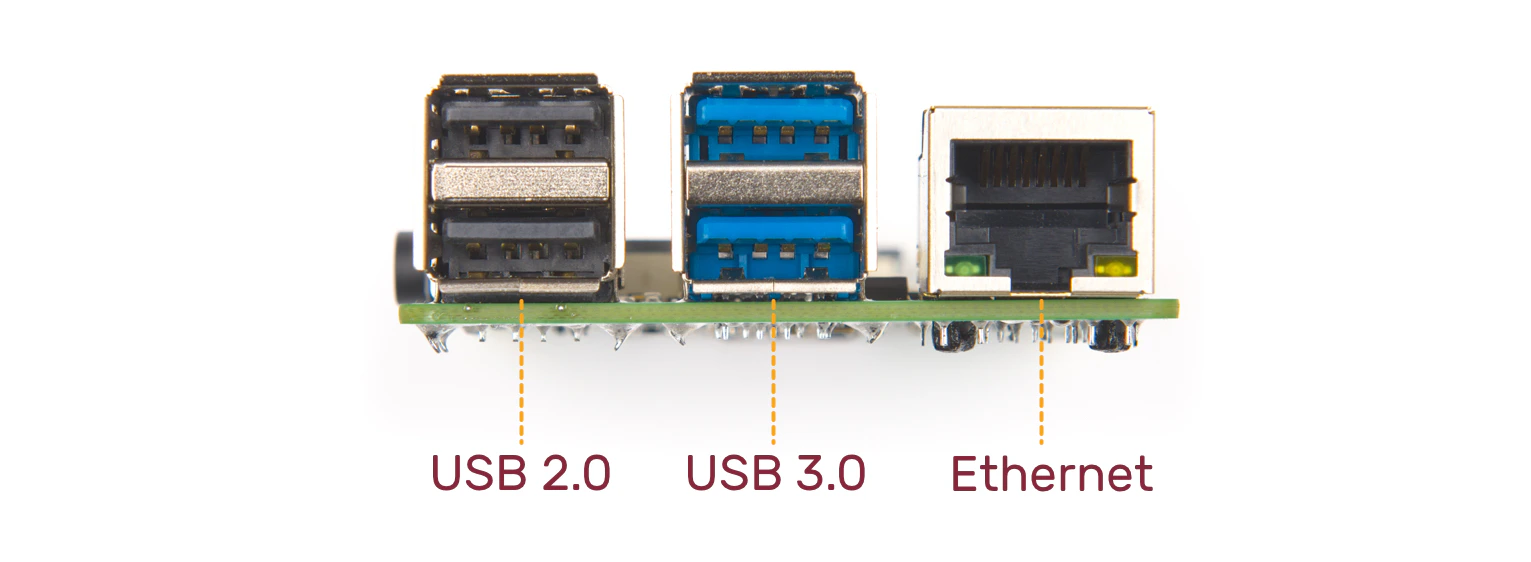
Connect cameras to your USB-Port
4
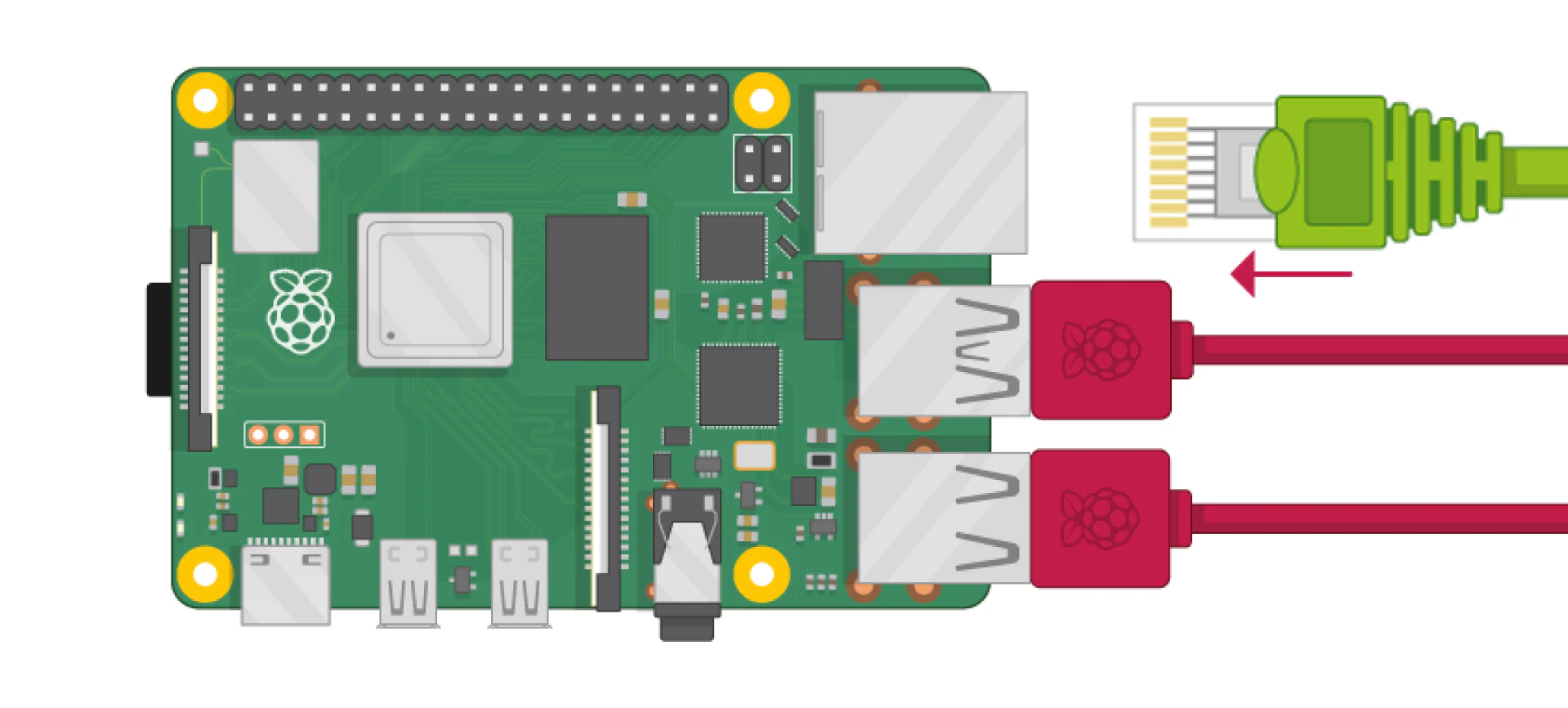
Connect ethernet cable to your device
5
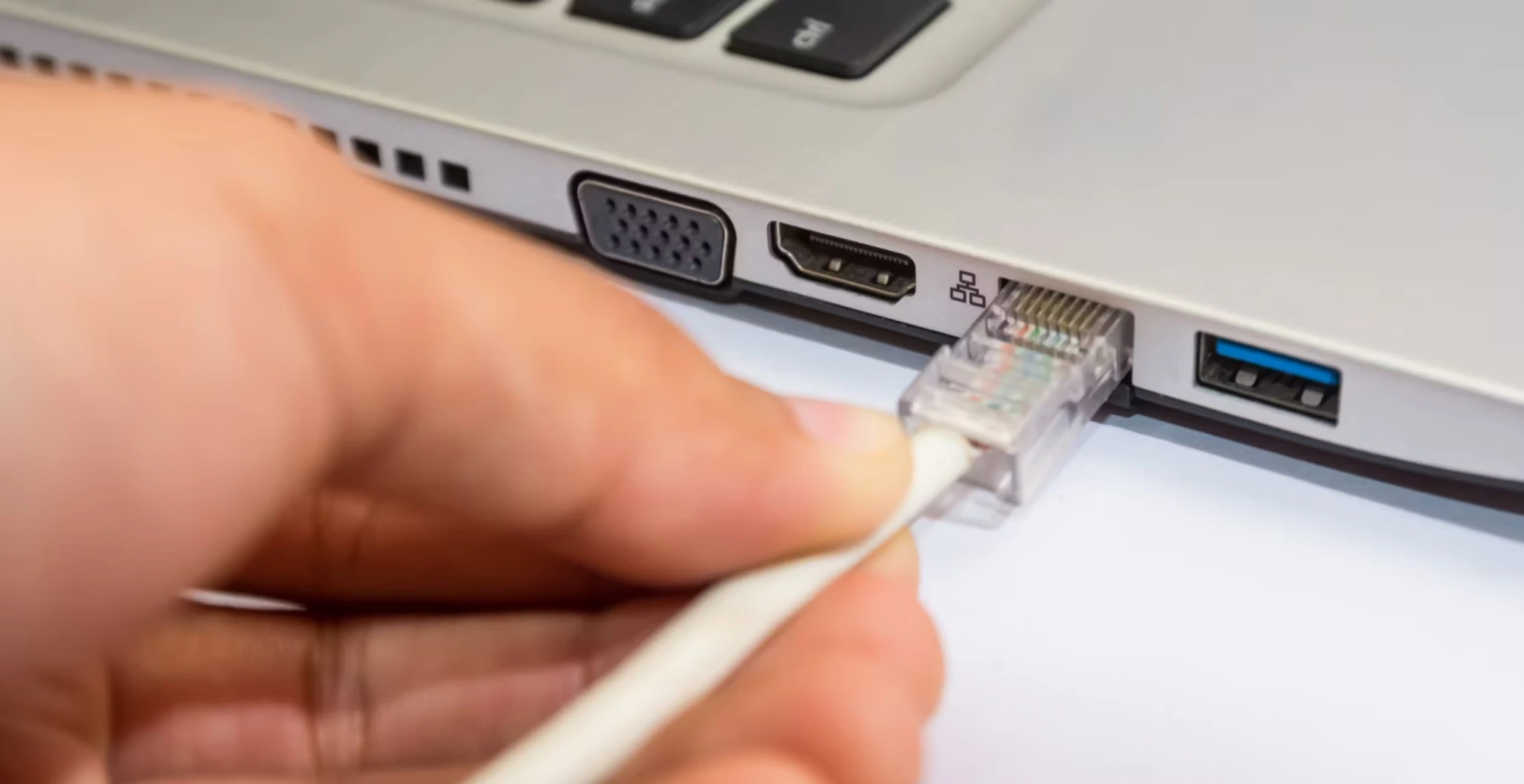
Connect ethernet cable to your laptop/PC
6
Turn on your device
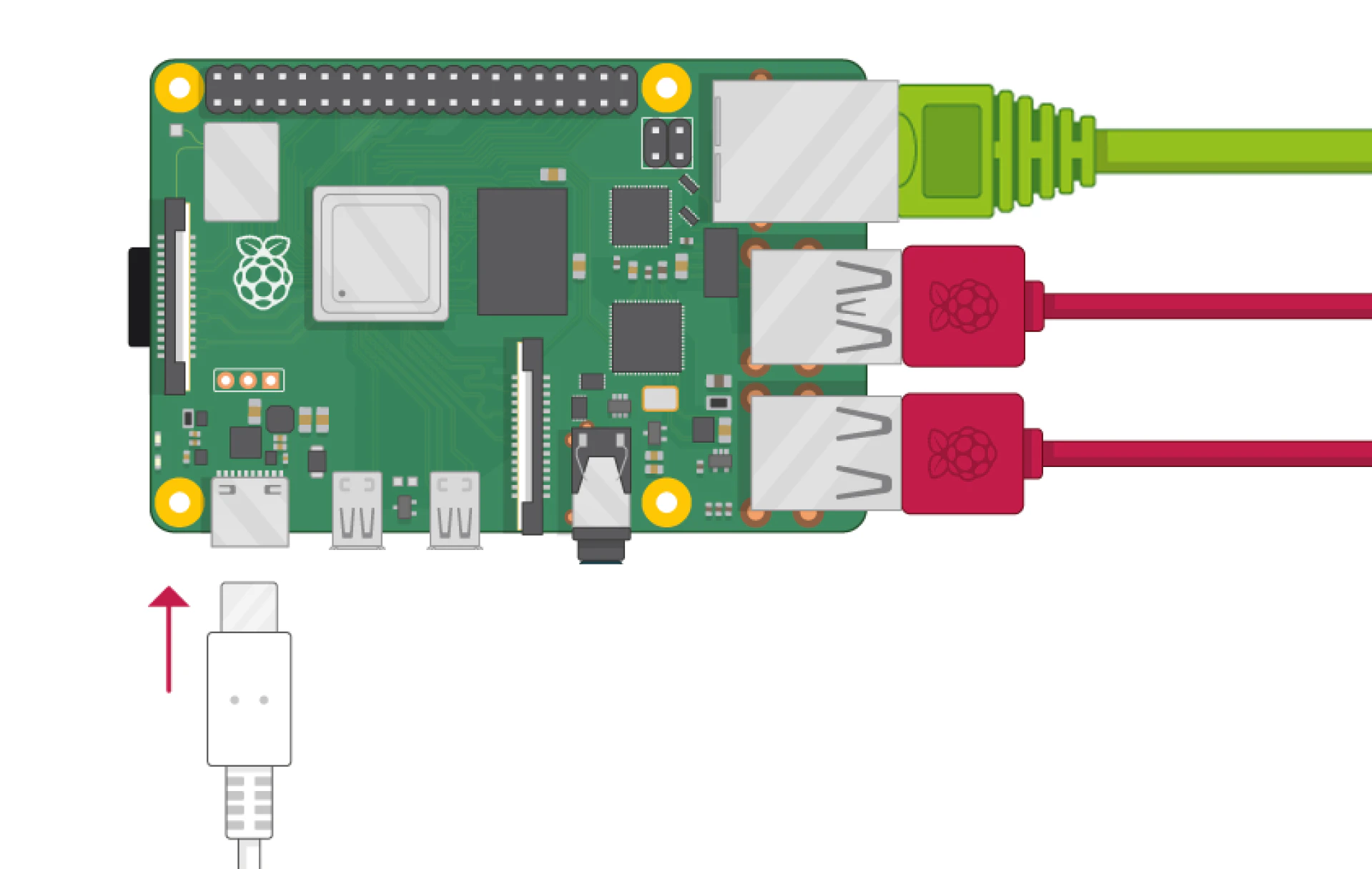
Connect your device to power
dweOS Camera Streaming Setup
Follow this guide to get 1 or more cameras streaming between your devices.