

Welcome to dweOS
dweOS is an optional, Linux-only, software interface designed to run on underwater systems like a Raspberry Pi, our Subsea Vision Computer and microSVC. It acts as a powerful companion to DeepWater Exploration cameras, extending their functionality and providing a seamless, out-of-the-box experience.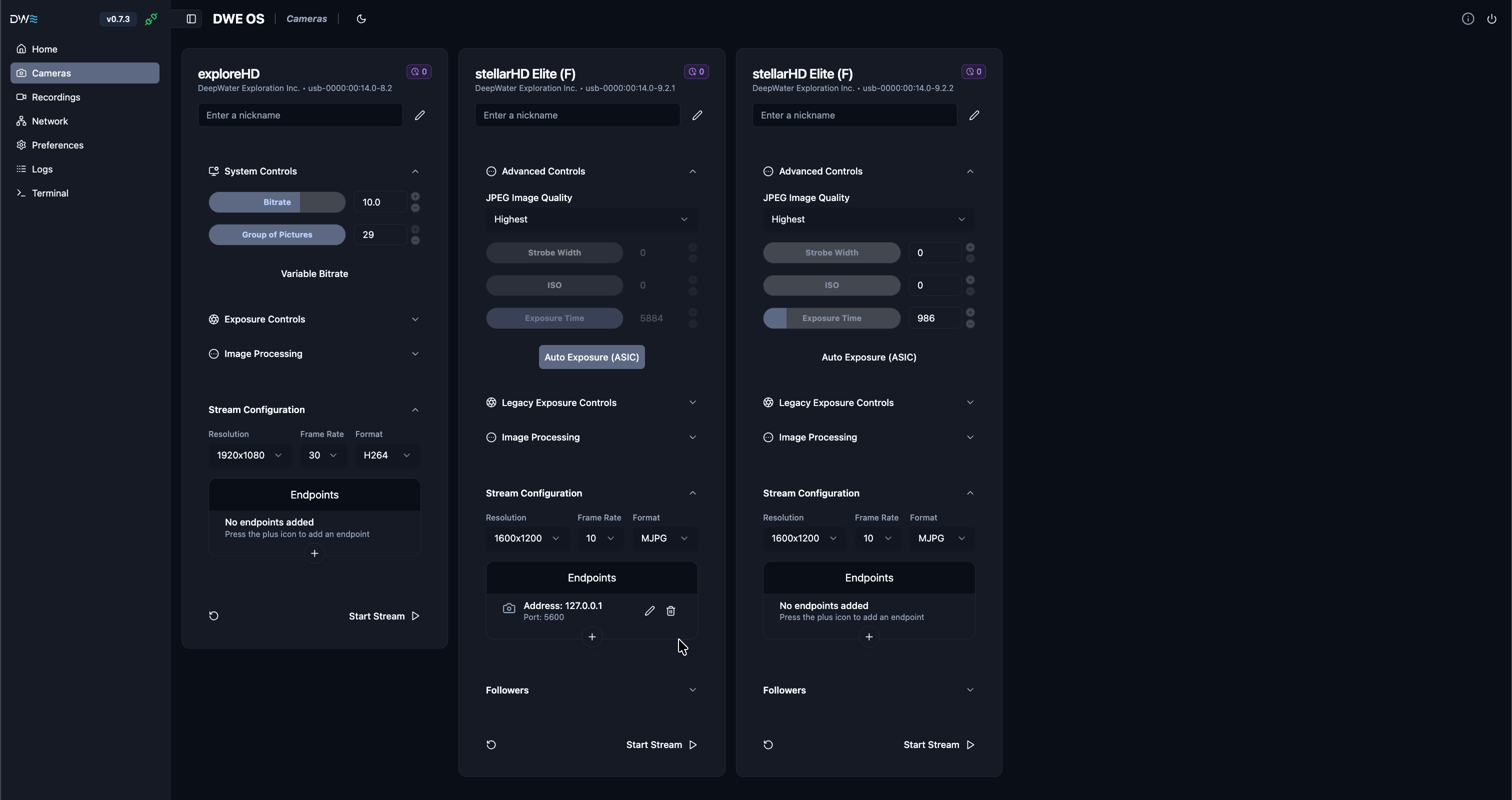
The main camera streaming page for dweOS
dweOS does not support RTSP (Real-Time Streaming Protocol) Streaming. We use a more direct form of streaming called RTP (Real-time Transport Protocol).RTSP acts as the “remote control” to set up the session (which often includes extra bloat and latency), while RTP handles the swift delivery of media packets, over UDP for minimum latency.
What’s new in dweOS?
dweOS represents a major leap forward, introducing features that dramatically enhance usability and capabilities:- Reliable Camera Enumeration: Thanks to Bus ID tracking, your cameras retain their specific settings even after a system reboot. No more guessing which port corresponds to which camera.
- Built-in Terminal Access: Access the command line directly through the web interface for advanced configurations, without needing a separate SSH client.
- Seamless PrecisionSync™: Out-of-the-box support for stellarHD leader/follower configurations, enabling effortless synchronization.
Installation
Ready to get started? Choose the installation method that best fits your setup:Command-Line Installation
Install dweOS on your existing system or fresh Raspberry Pi OS install via the command-line.
BlueOS Extension
Running BlueOS? Install dweOS easily as an extension through the BlueOS Extension Manager.
Micro SD Card Install
Pre-made Raspberry Pi Image containing dweOS and set to a static IP address (192.168.2.2).
Usage Guides
Once installed, explore these guides to configure your system:Camera Streaming
Learn how to set up and manage live video streams from your cameras.
All Guides
Maximize your experience with dweOS.