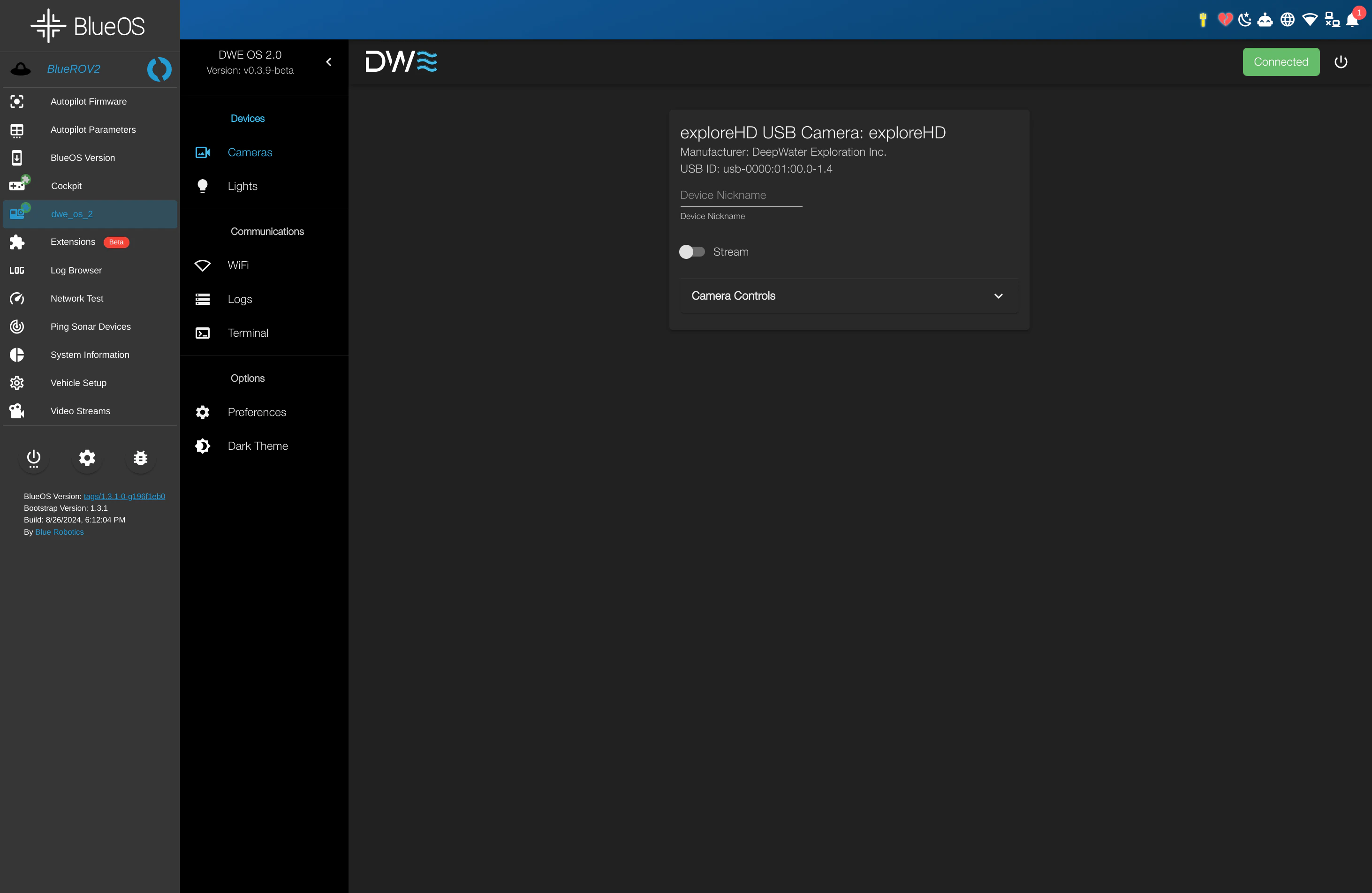
Overview
This extension provides a minimal dweOS base designed to stream and configure DWE cameras directly within the BlueOS ecosystem. All camera configurations managed in dweOS persist after reboots and directly influence BlueOS streams. This integration allows you to leverage dweOS-specific features—such as hardware-level H.264 bitrate adjustment—within Cockpit and other BlueOS-compatible streaming applications.Installation
dweOS is available directly through the BlueOS Extension Manager, removing the need for manual terminal configuration.As of May 2025, dweOS is an official BlueOS extension. Manual installation is no longer required.
1
Open Extension Manager
Navigate to the Extensions page in the BlueOS sidebar.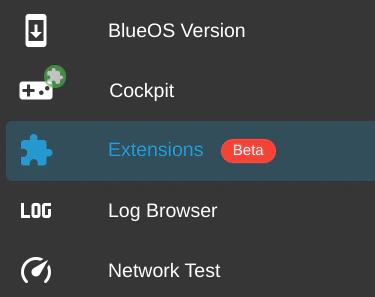
2
Search for dweOS
Select the Store tab and search for 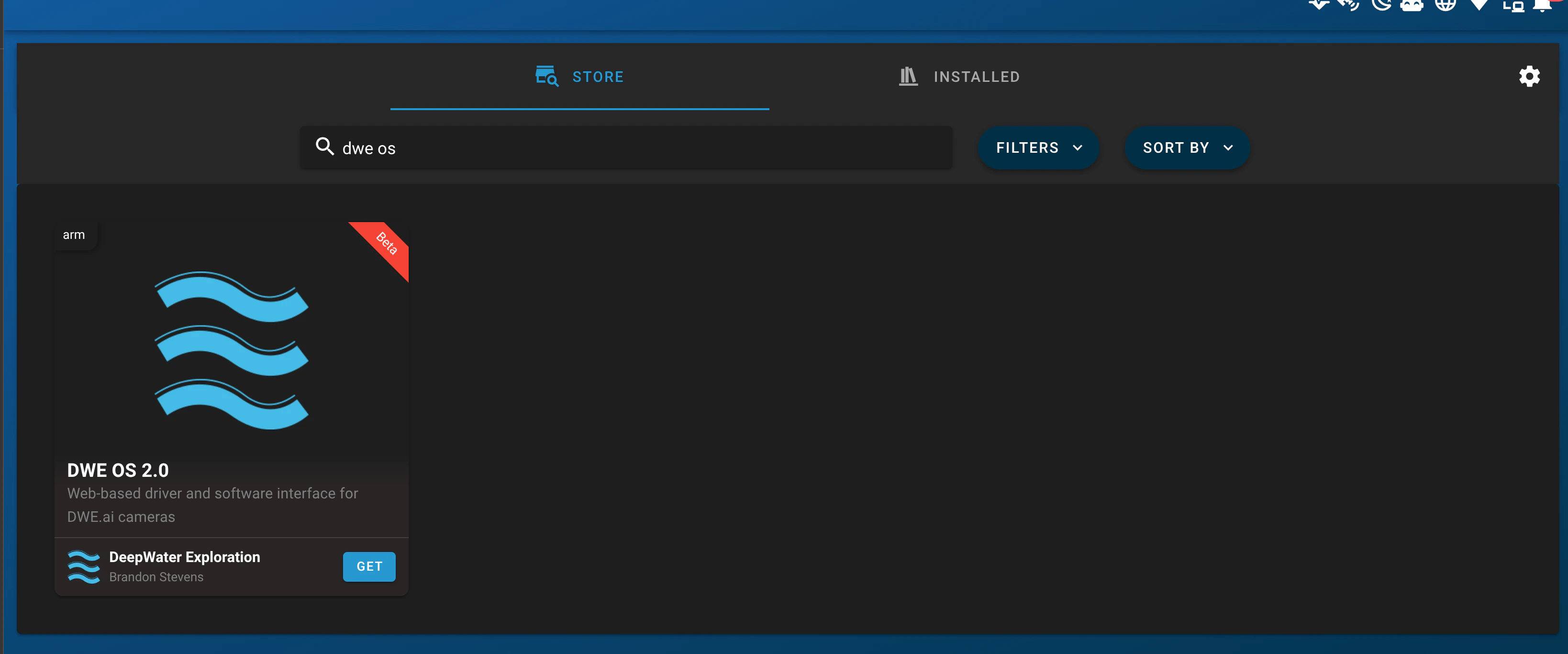
dwe os.3
Install
Click GET, then INSTALL. Ensure you select a version labeled with 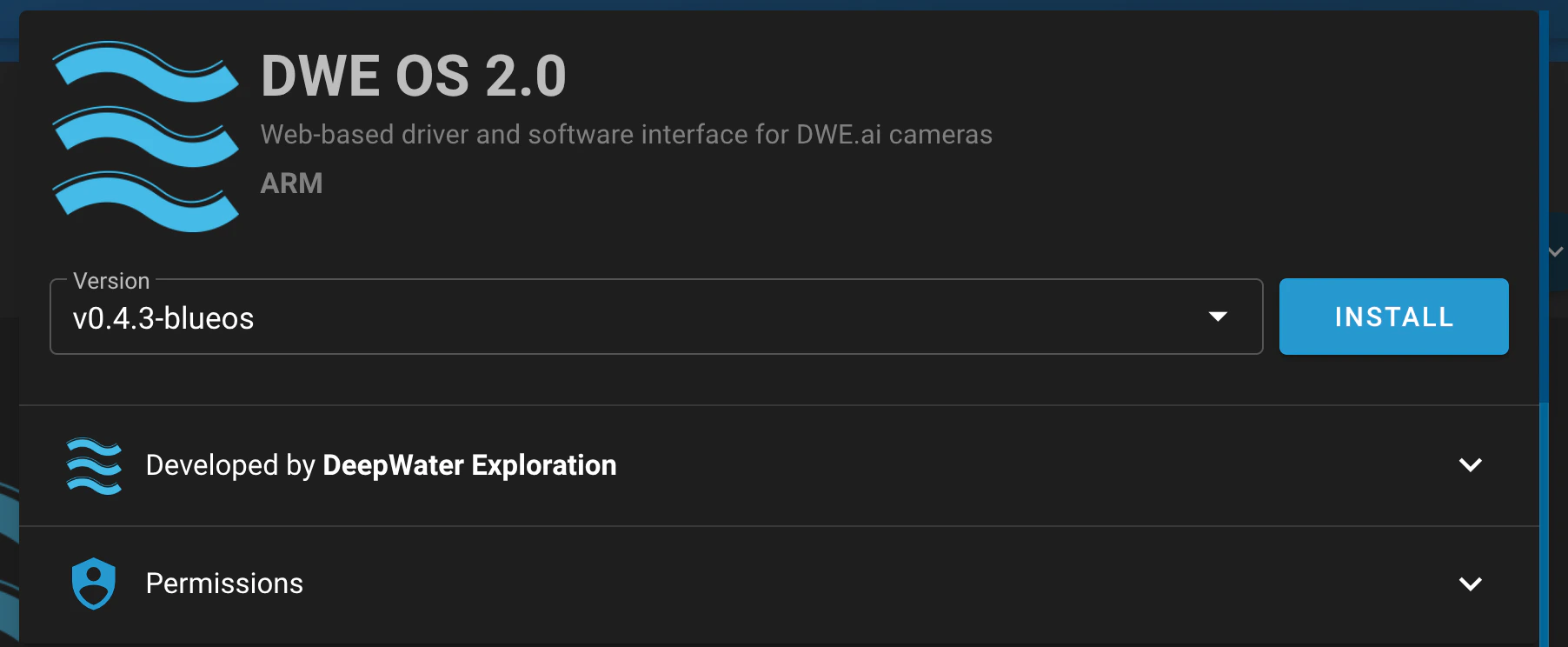
-blueos.Please wait 30-60 seconds for the installation to complete and for the icon to populate in the sidebar.
4
Access the Dashboard
Select the newly created dwe_os_2 tab in the navigation bar.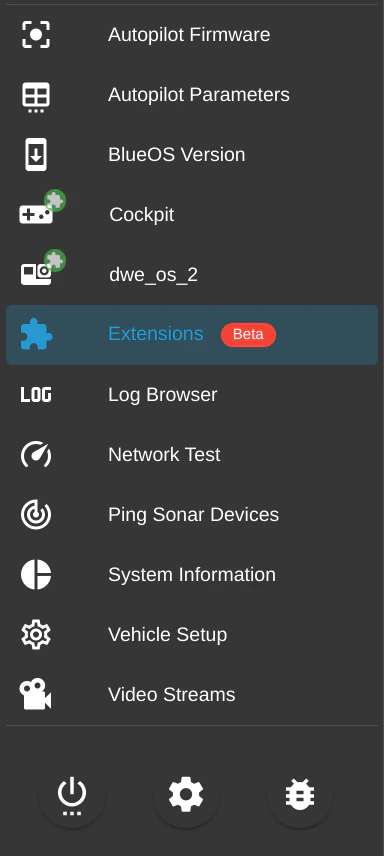
5
Verification
You should now see the dweOS interface running within the BlueOS frame!