Getting Started
This method is not recommended, due to complexity with the static IP assigned to the image (192.168.2.2).
We recommend you install Raspberry Pi OS first, then installing dweOS via the command-line.
Installation on a new micro SD Card
1
First Step
Download the latest image here.
2
Second Step
Download Raspberry Pi Imager to flash the image to an SD card.
3
Select Device
4
Select the dweOS 2 Image
5
Select the SD Card
6
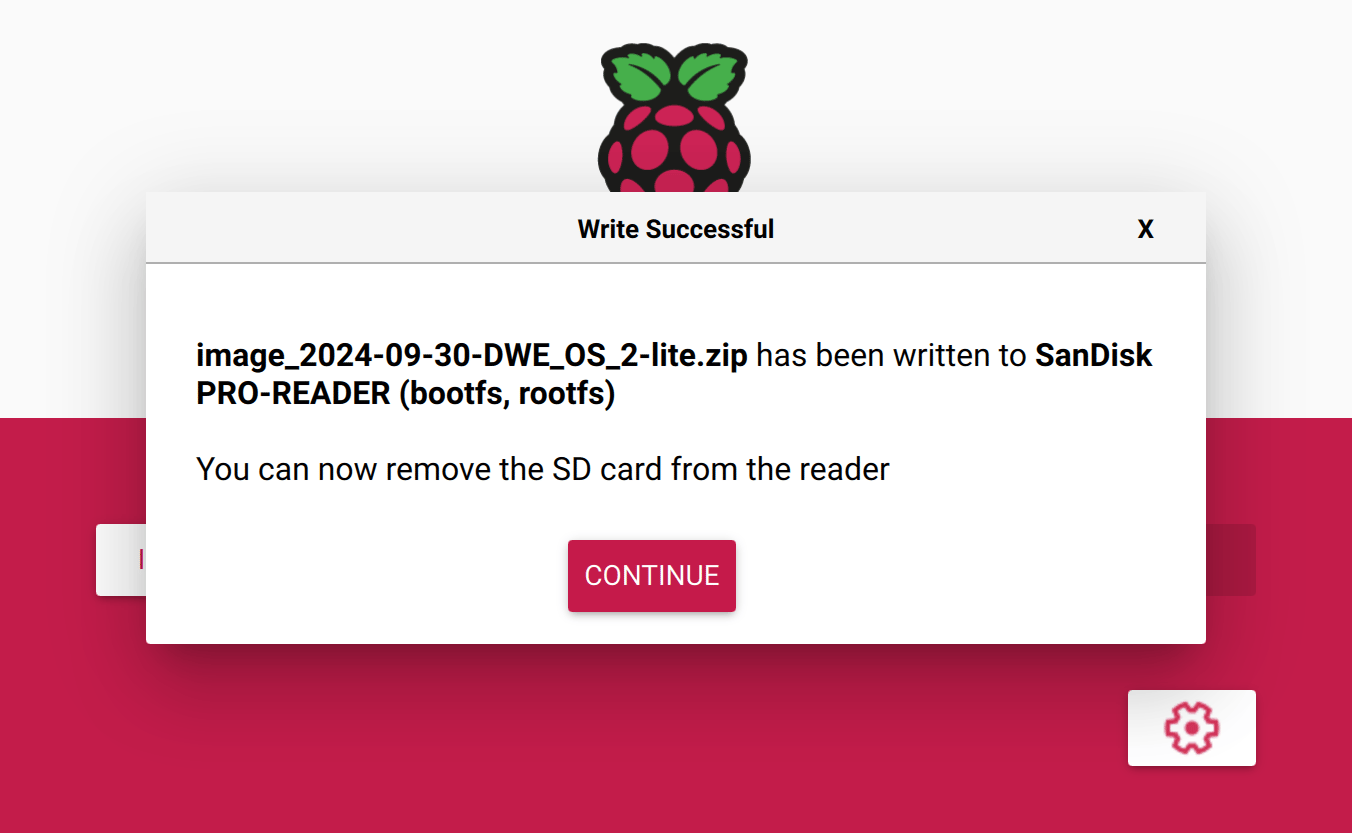
Success!
7
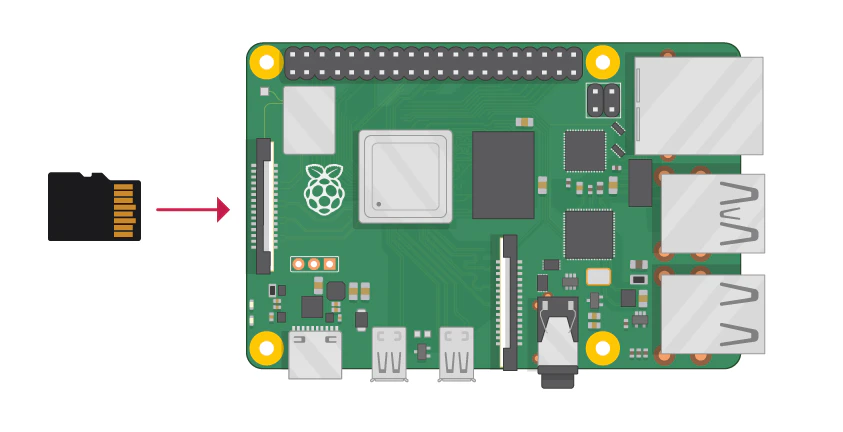
Insert SD Card and Boot!