DWE.ai home page
Search...
⌘K
Ask AI
⌘I
Support
Visit Store
Home
exploreHD Series
stellarHD Series
explore3D
Subsea Vision Computer
Other Hardware
dweOS
Discovery
DeepWater Desktop
DWE.ai home page
Search...
Navigation
Video Card Functions
Video Card Overview
Blog
Camera Tester
Github
Overview
Home
Quickstart
Image Test
Controller Functions
Controller Overview
Streaming
Recording
Config Box
Snapshot
Delete All Cards
Video Card Functions
Video Card Overview
IP Address, Port, and Frame Rate
Streaming/Recording
Snapshot
Config Button
Fit View
Global Settings
Settings Overview
Global Settings
Capture Paths
Filename Scheme
Default Card Options
License
License Overview
Activation
Deactivation
Video Card Functions
Video Card Overview
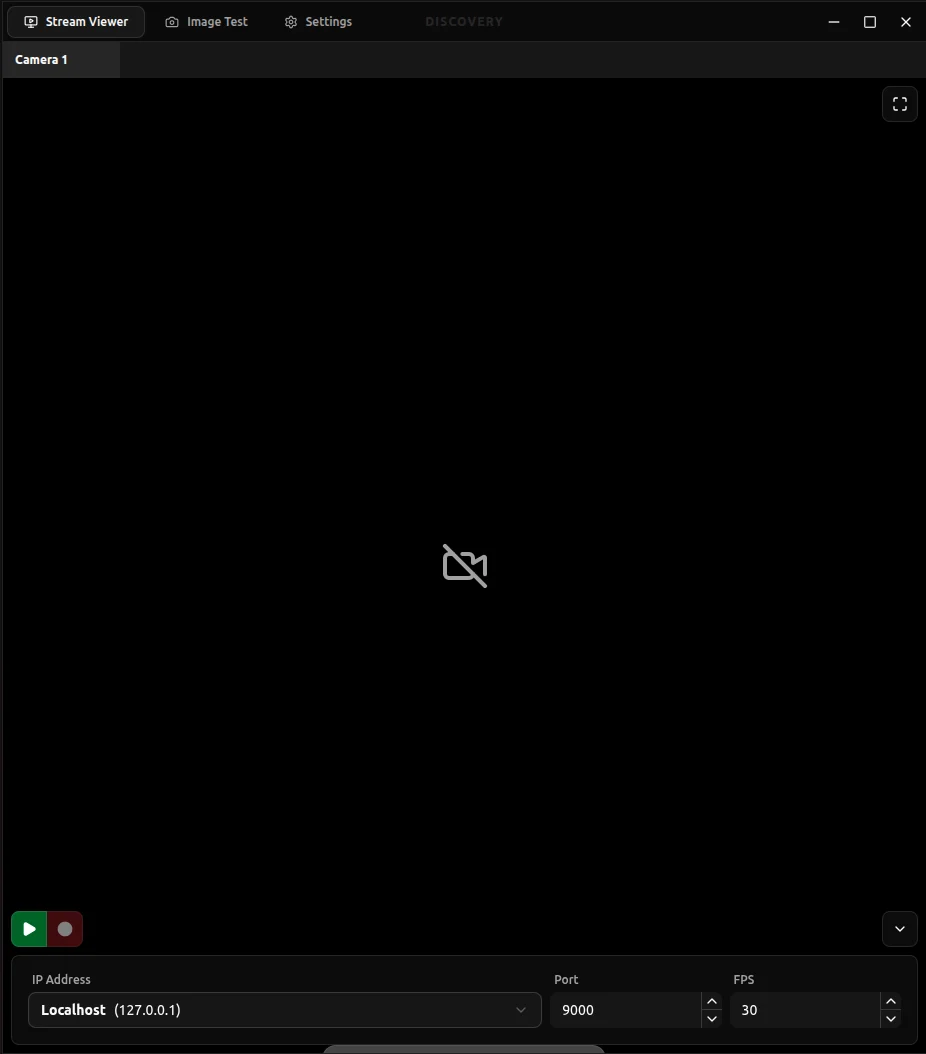
An overview of the controls available on each video card.
Each video card features several controls to manage your streams, recording states, and views.
Select a section below to learn more about specific card buttons:
IP, Port, and FPS
Streaming/Recording
Snapshot
Config Button
Fit View
Was this page helpful?
Yes
No
Delete All Cards
Previous
IP Address, Port, and Frame Rate
Next
⌘I
Assistant
Responses are generated using AI and may contain mistakes.