The updates box is for manual scanning for updated releases of Discovery.
Usually, the Discovery application will periodically poll for Discovery updates naturally,
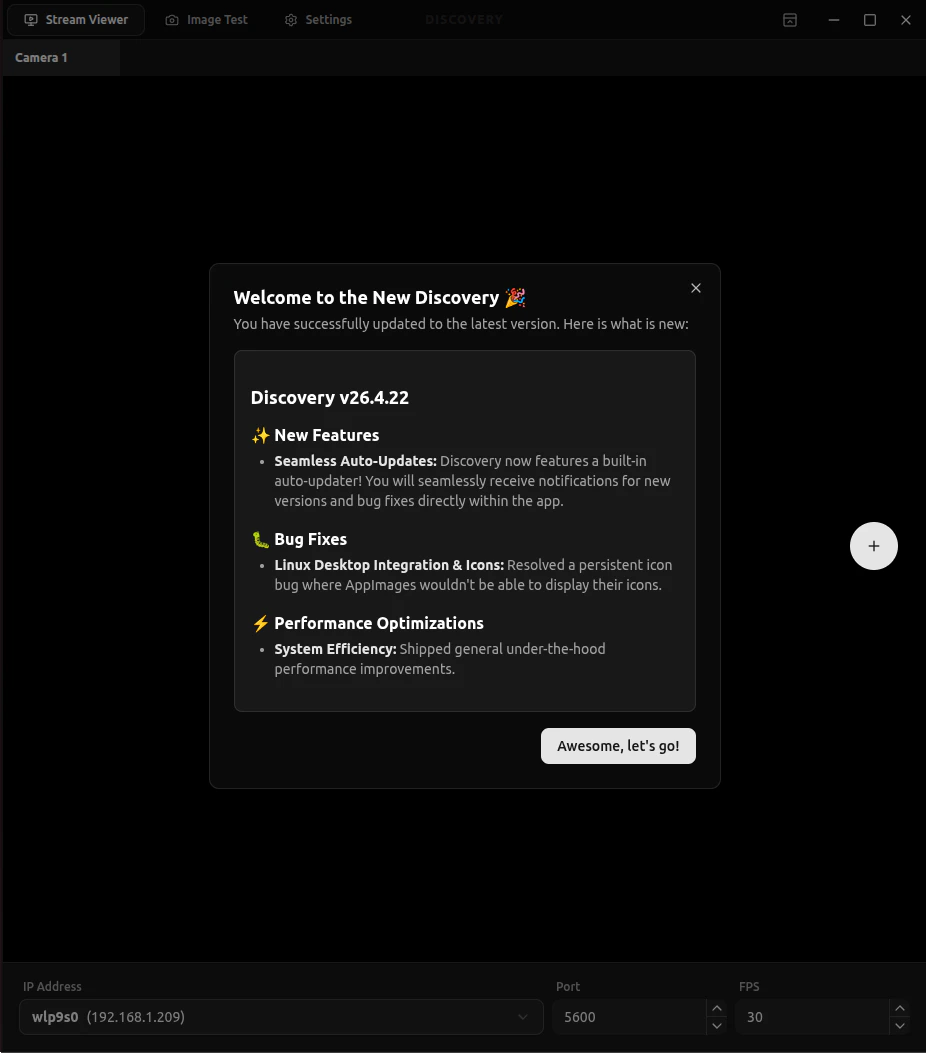
and download them in the background. When it has finished downloading in the background, you’ll
be prompted with the Release Notes, which covers the changes since the last release.
In the event your automatic polling isn’t as quick as you’d hoped, you can manually scan for updates.If there are updates, it will automatically download them, and prompt you with the new changes.
Then upon selecting the restart option, it will install the new version and open it. Otherwise,
it will do so on the next restart of the application.
Should none of these methods work, there is also the option to install it from our Downloads Page,
under “Click here for Free Version”