

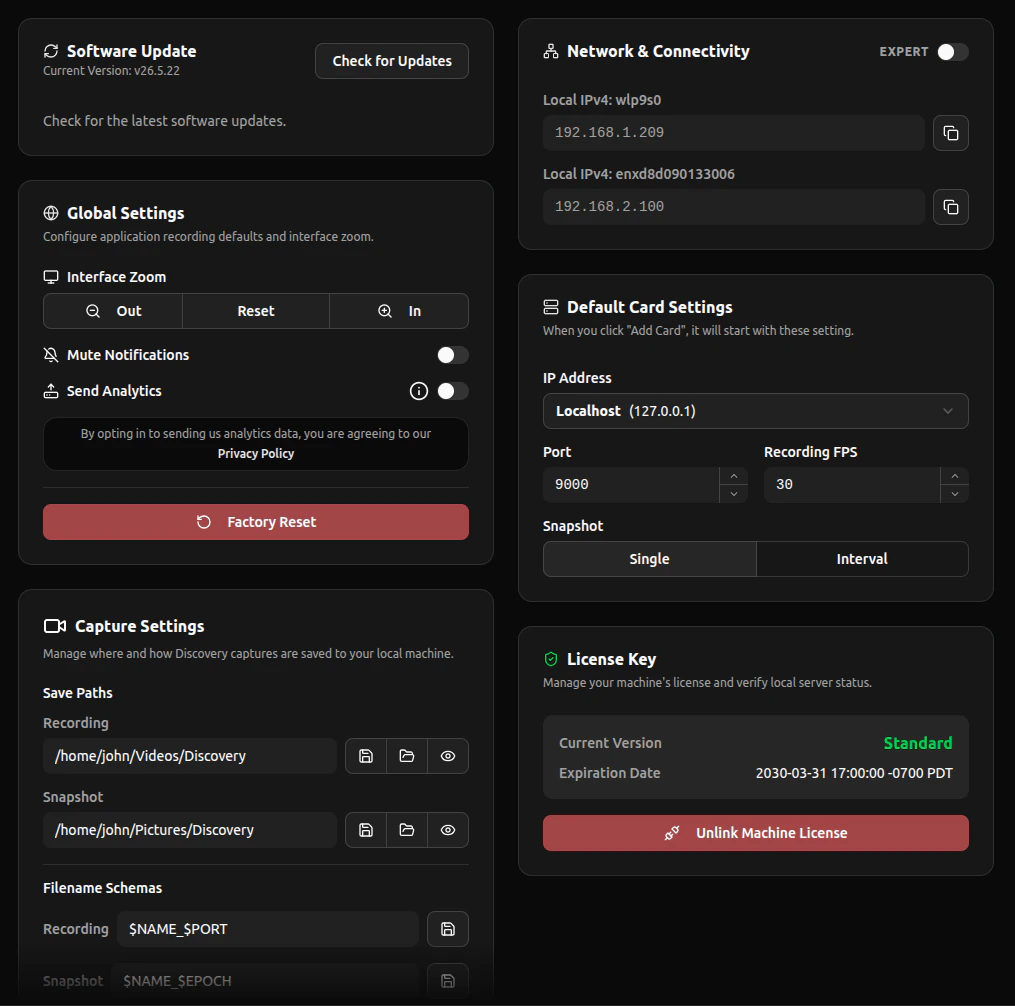
Global Settings
Application-wide settings like zoom, notifications, and analytics.
Capture Paths
Choose where your recordings and snapshots are saved.
Filename Scheme
Customize how saved files are named.
Default Card Options
Set the default parameters for new video cards.
Networking Settings
View scanned network IPs and configure advanced networking.
Updates
Scan for and install Discovery updates.