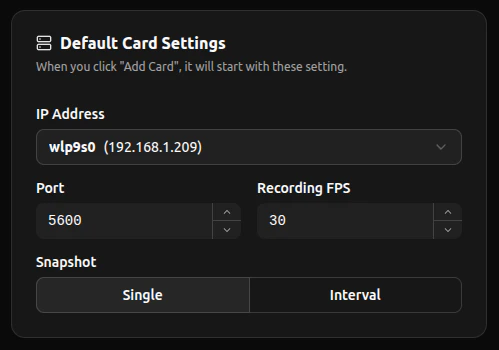
This setting is used to set the default IP Address Selection, Port Number, FPS, and Snapshot Mode. Each new card will automatically inherit from this default.

Network and Recording
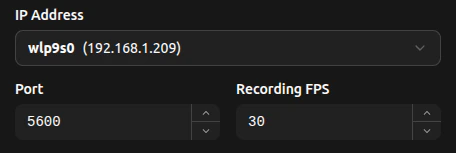
To control the network defaults of newly added cards, select from the detected IP addresses dropdown when you press the IP Address box. The set port value will automatically increment to an unused port (counting up).
The ports are constrainted between 1025-65535
The recording FPS is recommended to be set to what the camera is set to.

Snapshotting

In this setting, you can select what snapshot mode each newly added card comes with. There will be a visual difference in the icons as seen in Video Card Function’s Snapshot segment.

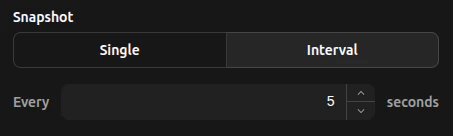
Single Snapshots take one photo at the moment the button is pressed.
By selecting Interval the number input specifies how many seconds pass inbetween snapshots. Interval Snapshots take photos in the set interval specified within the number input.