

Install the Firmware Loader
Download and run the installer, then launch the DWE Firmware Loader.Download DWE Firmware Loader (Windows)
DWEFirmwareLoader.exe
Linux-Compatible Tool coming soon!
Firmware Update Procedure
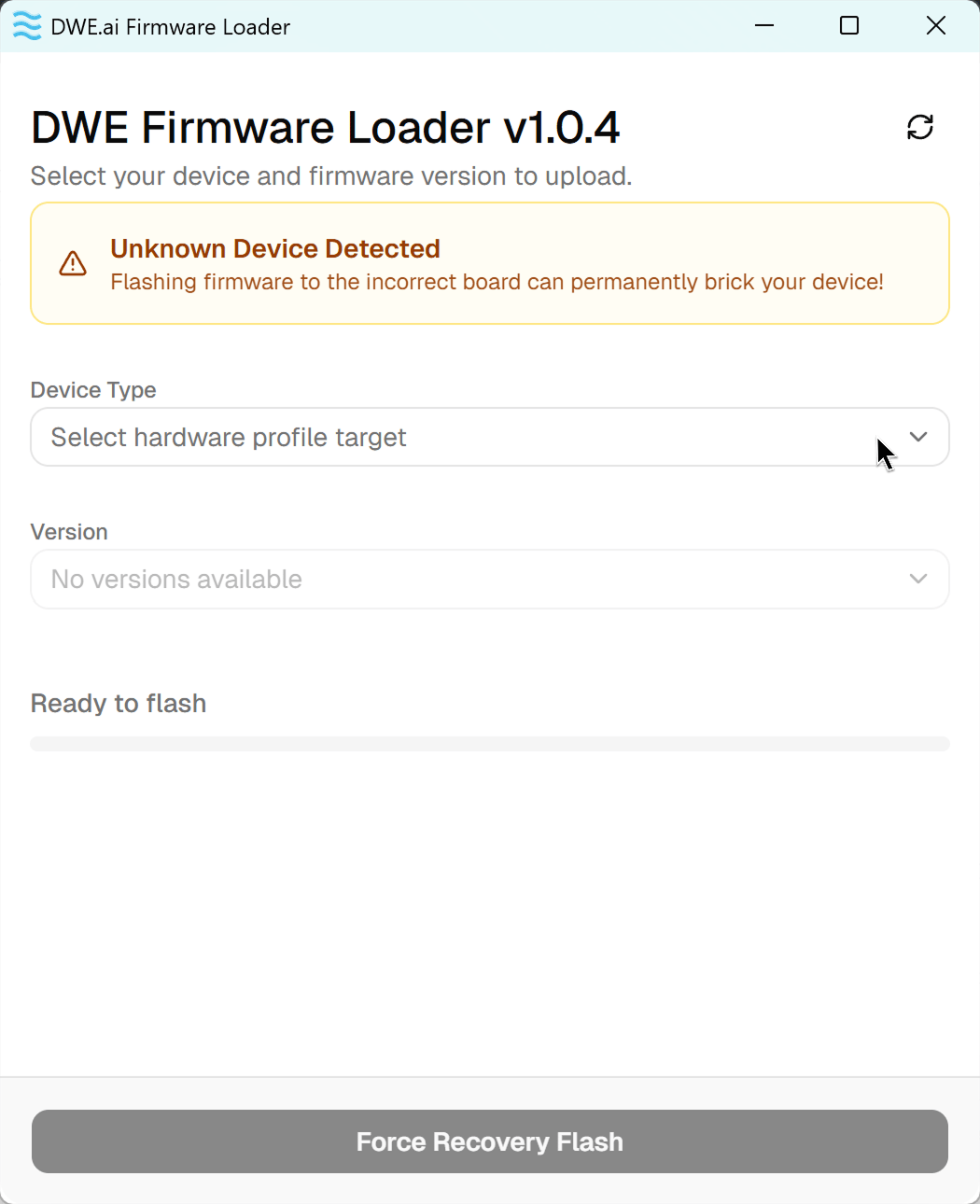
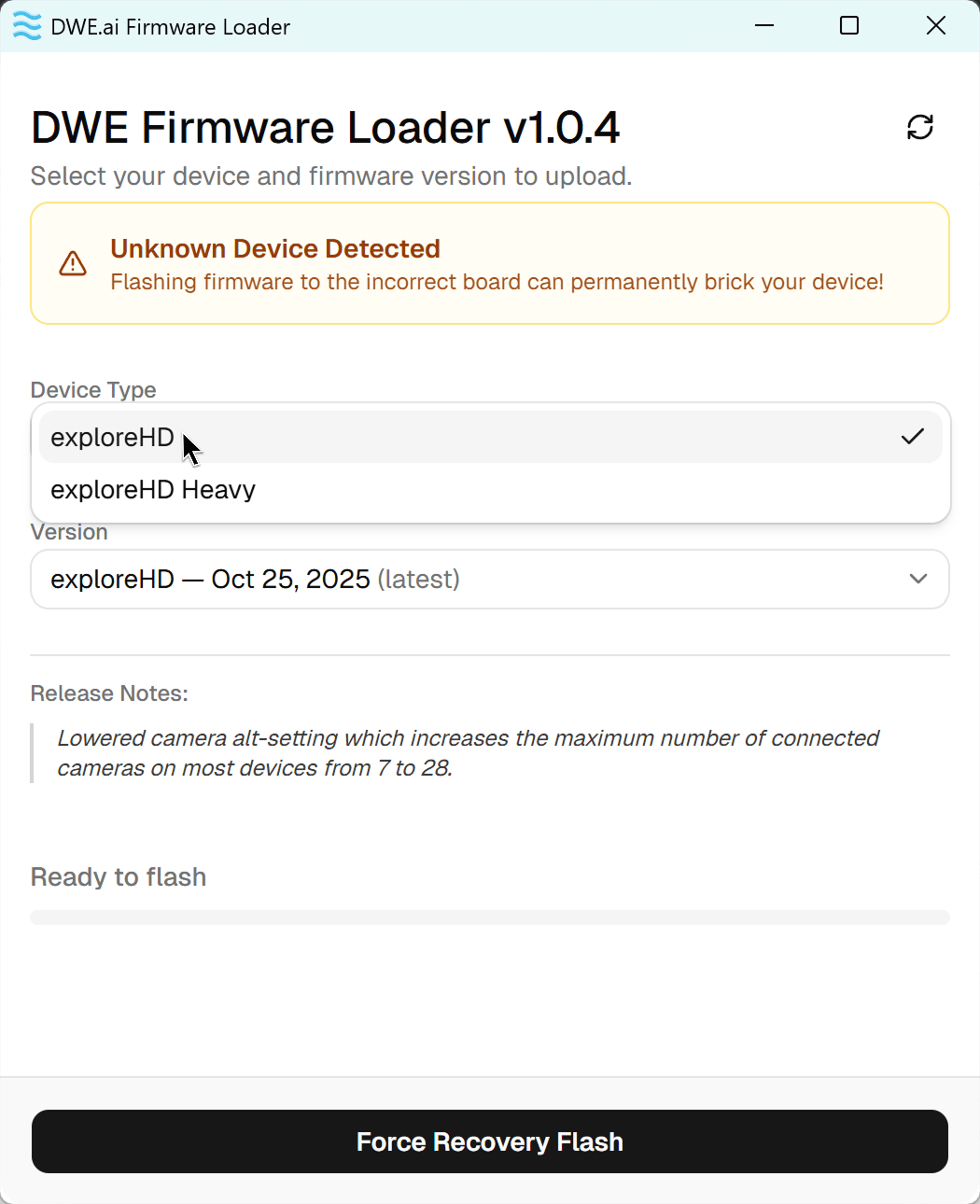
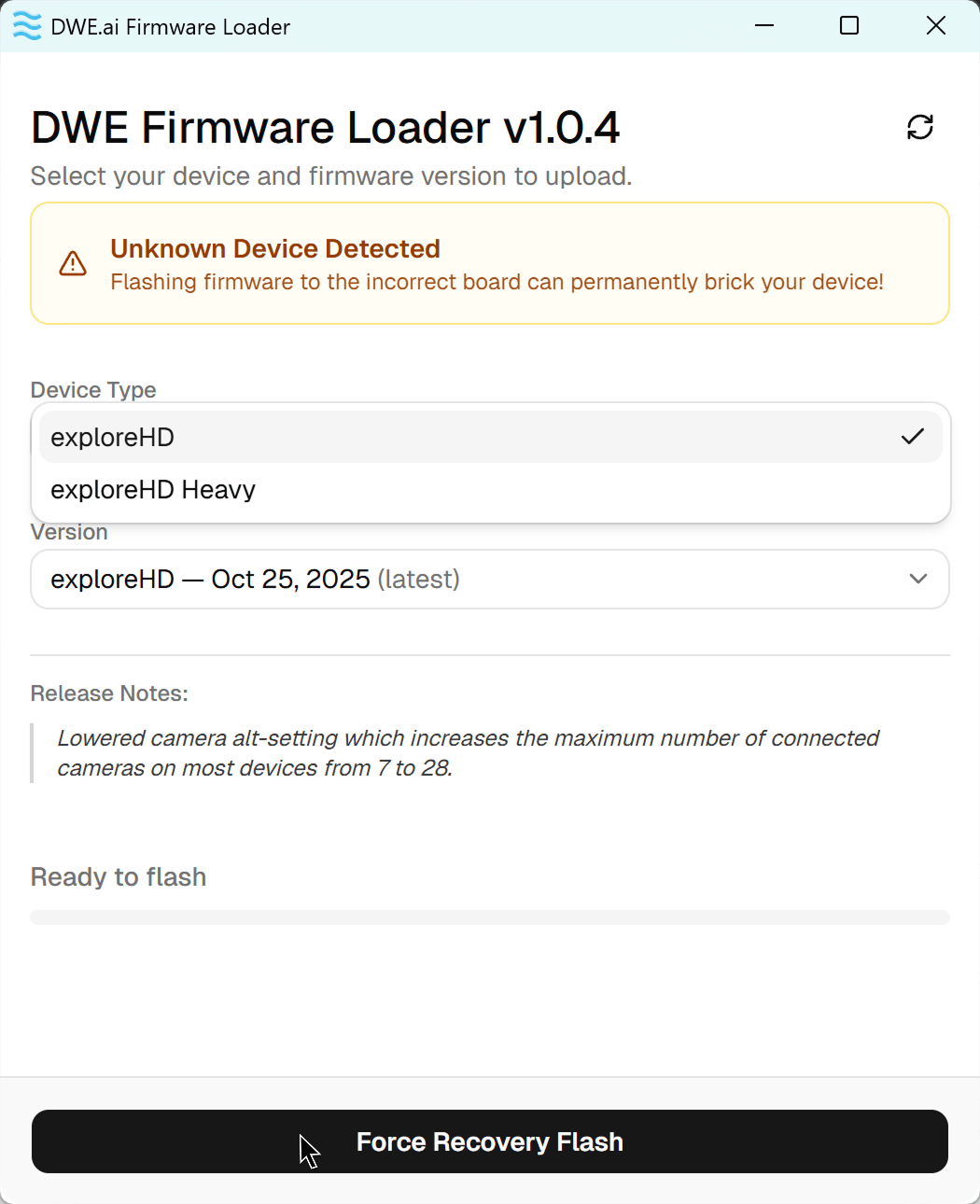
The Firmware Loader automatically detects your connected camera. In most cases you can flash in a single click. If your camera is not recognized, follow the Recovery Mode tab instead.- Standard Update
- Recovery Mode
1
Plug in Camera and Click Refresh
After plugging in your camera, click the refresh icon in the top-right corner so the loader scans for it. Once detected, it shows a green Device Detected card with the model, current firmware version, and release date. If a newer version exists, an Update available badge appears.The Device Type and Version are selected for you automatically — you do not need to change them.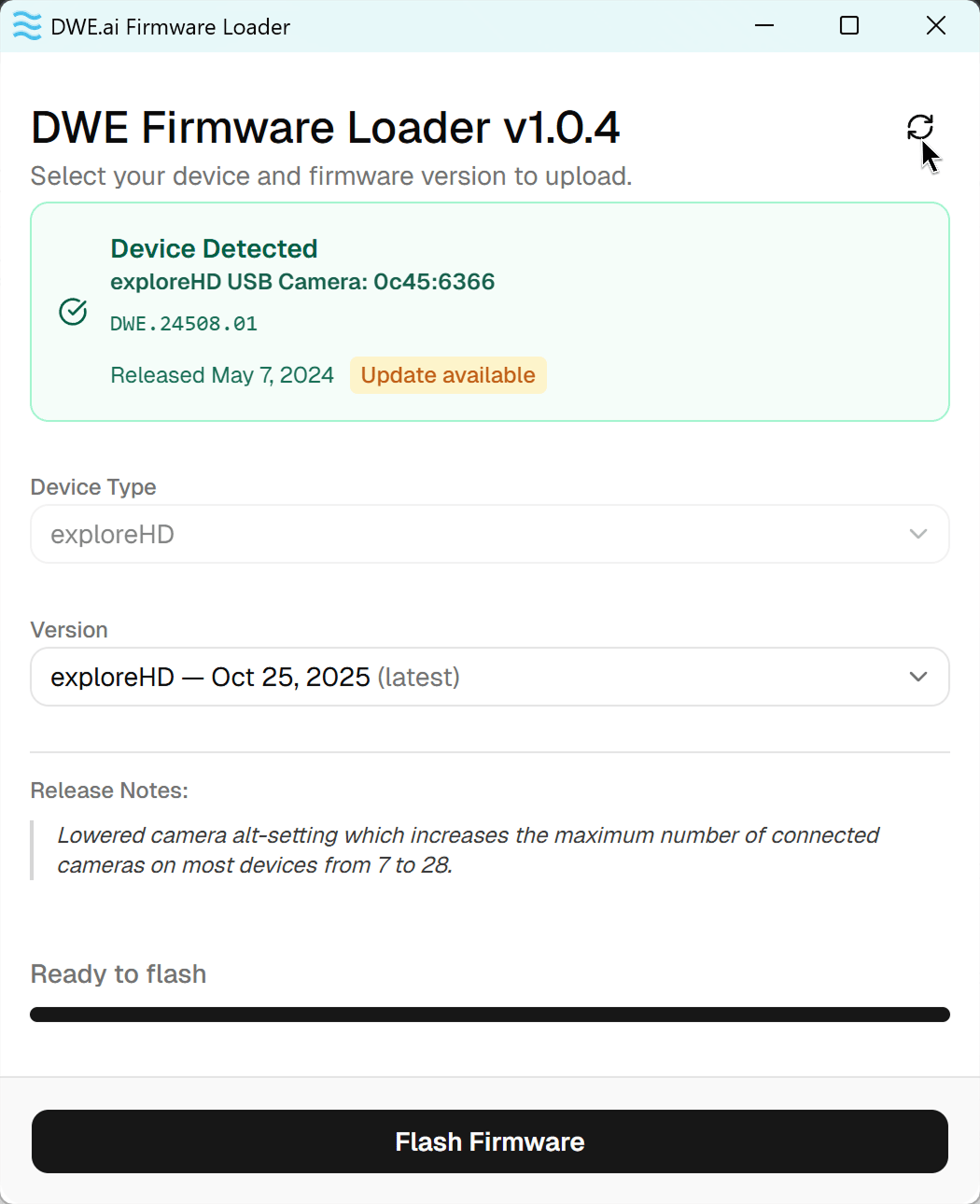
2
Flash the firmware
Then click Flash Firmware.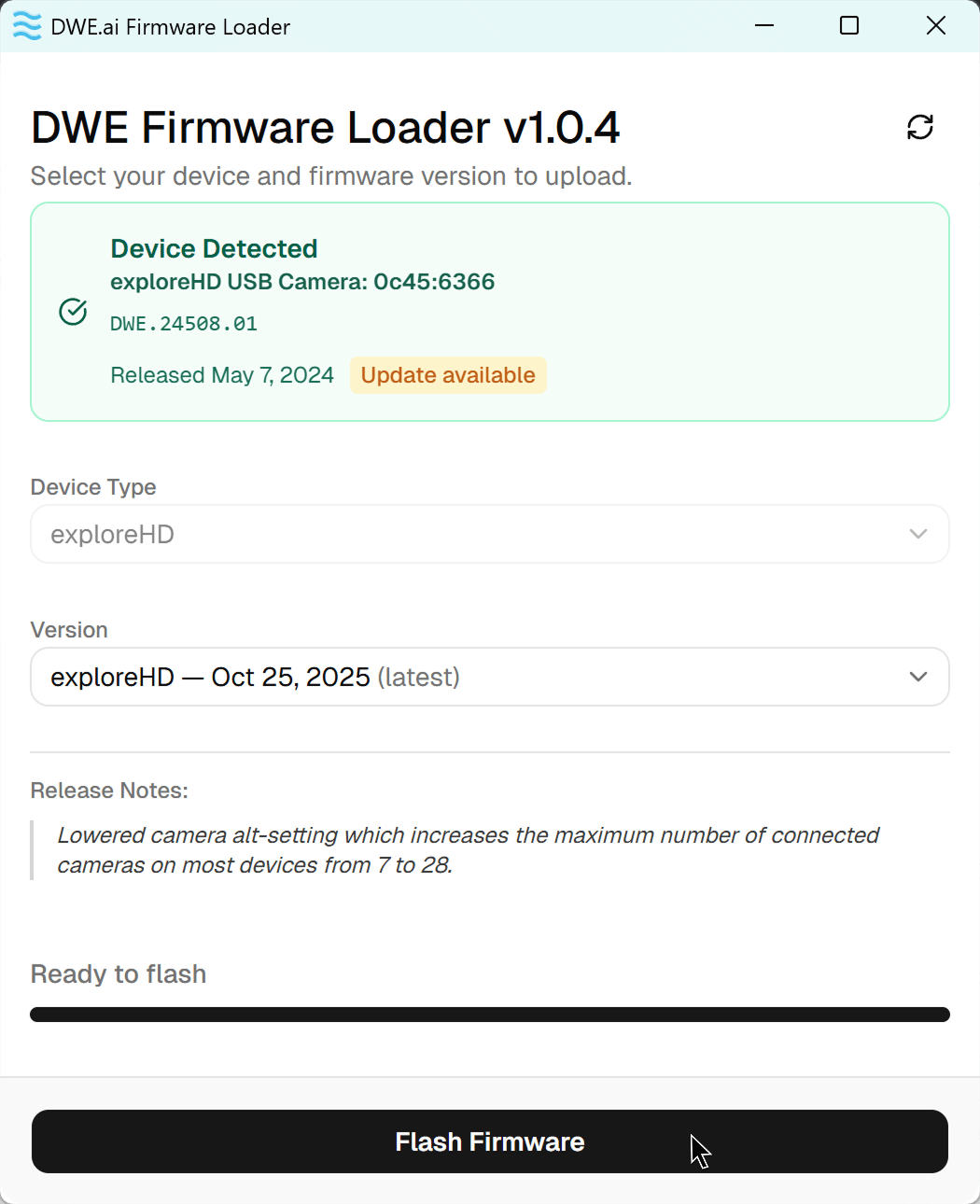
3
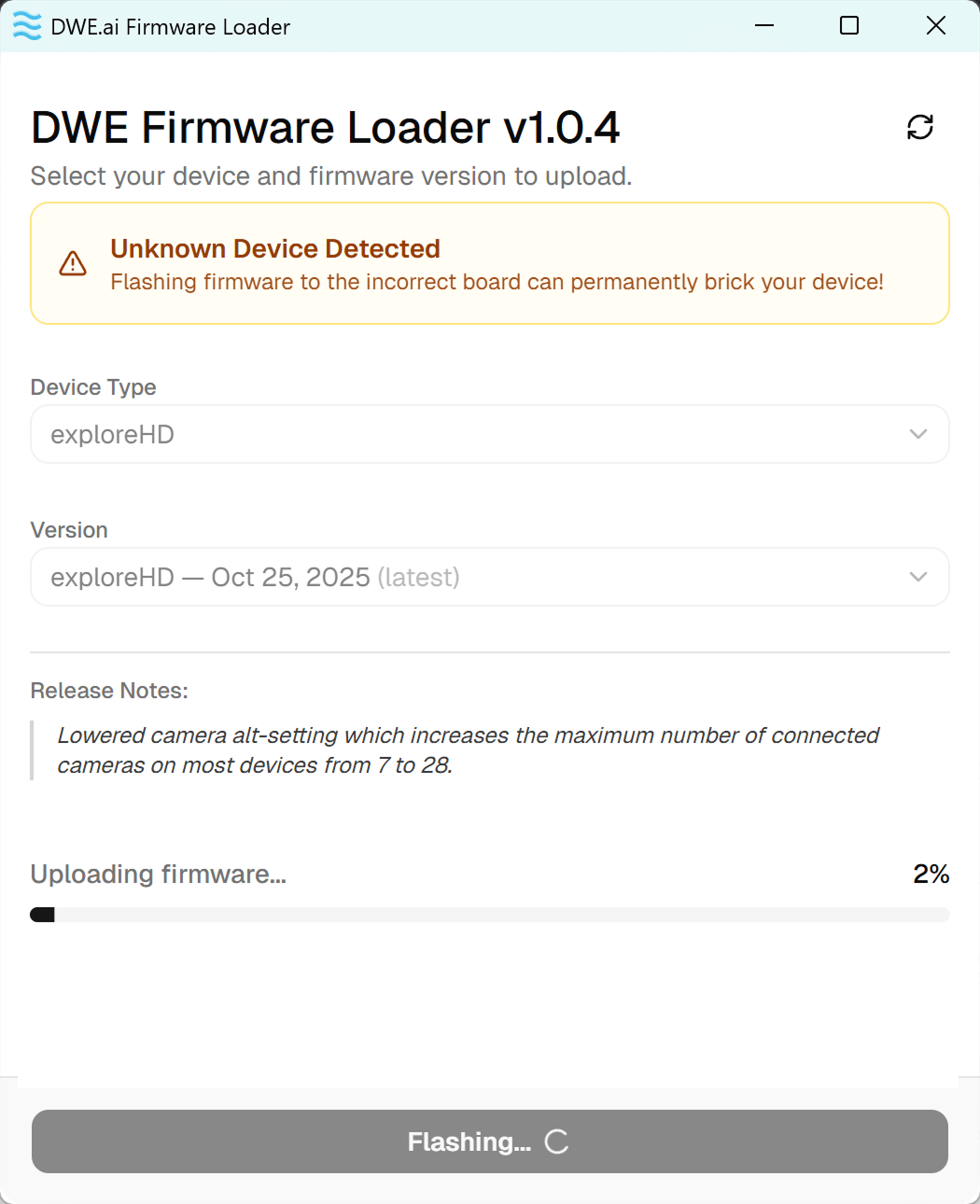
Wait for the upload to finish
The progress bar shows Uploading firmware…, which should take around 20-30 seconds.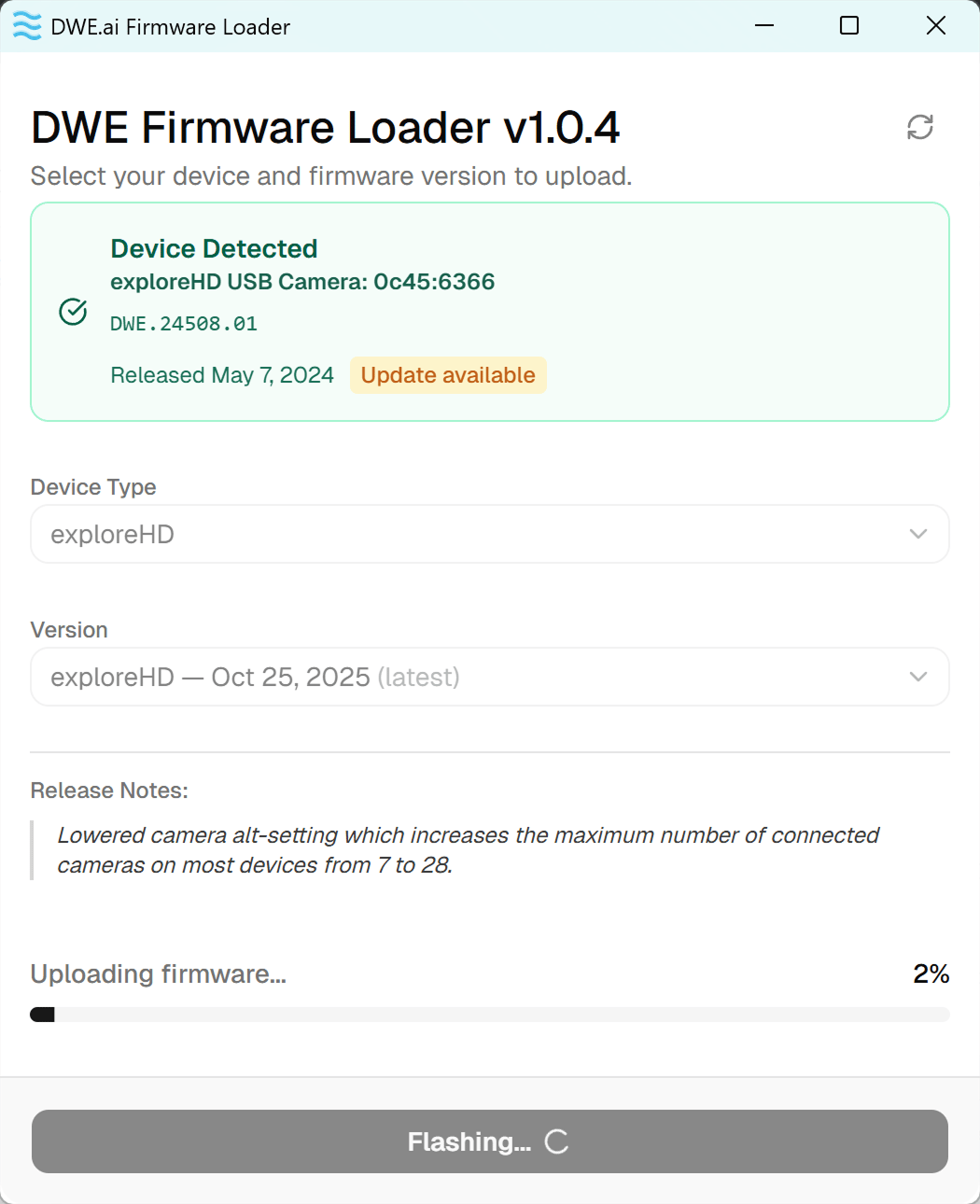
4
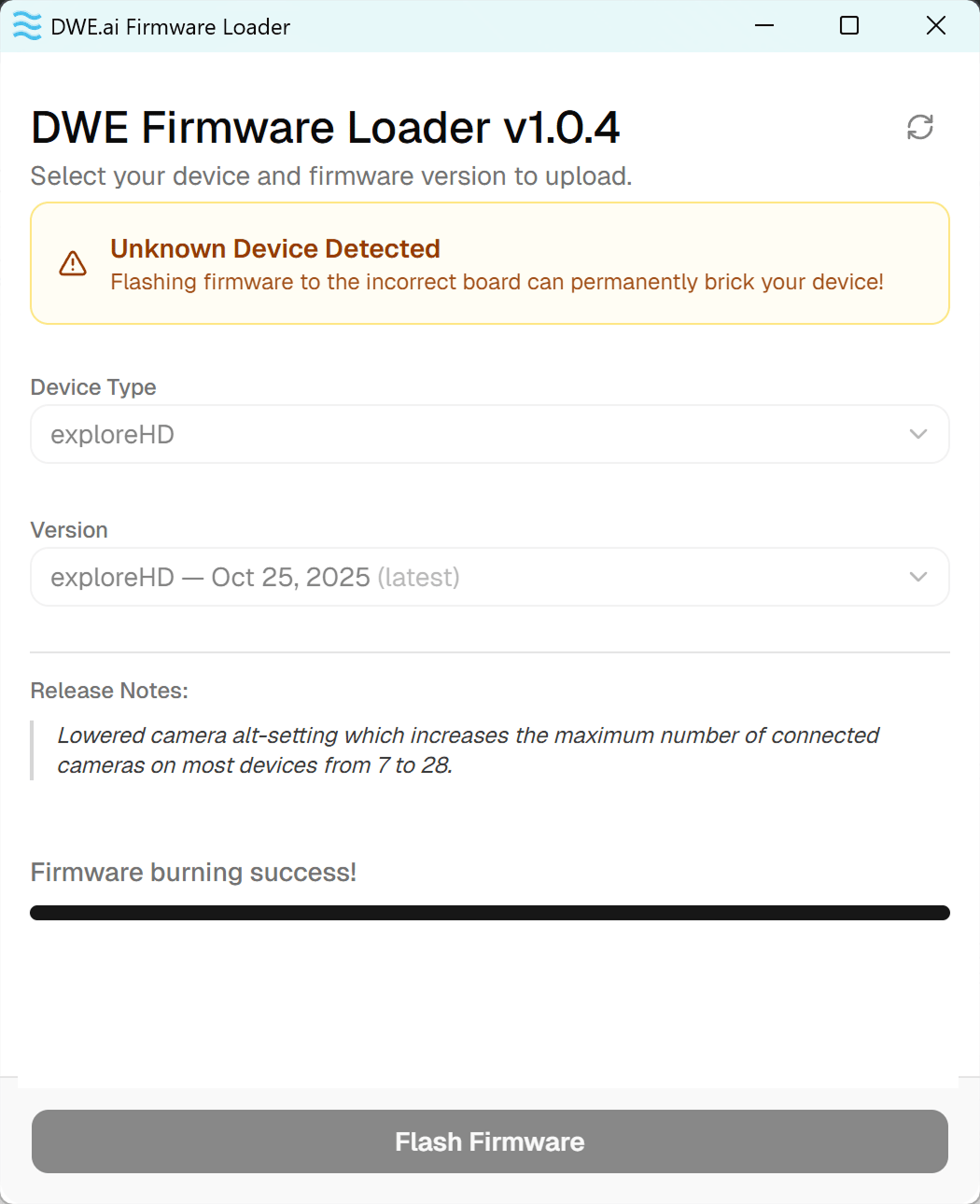
Done!
When you see Firmware burning success!, the update is complete. You may now close the application and use your camera.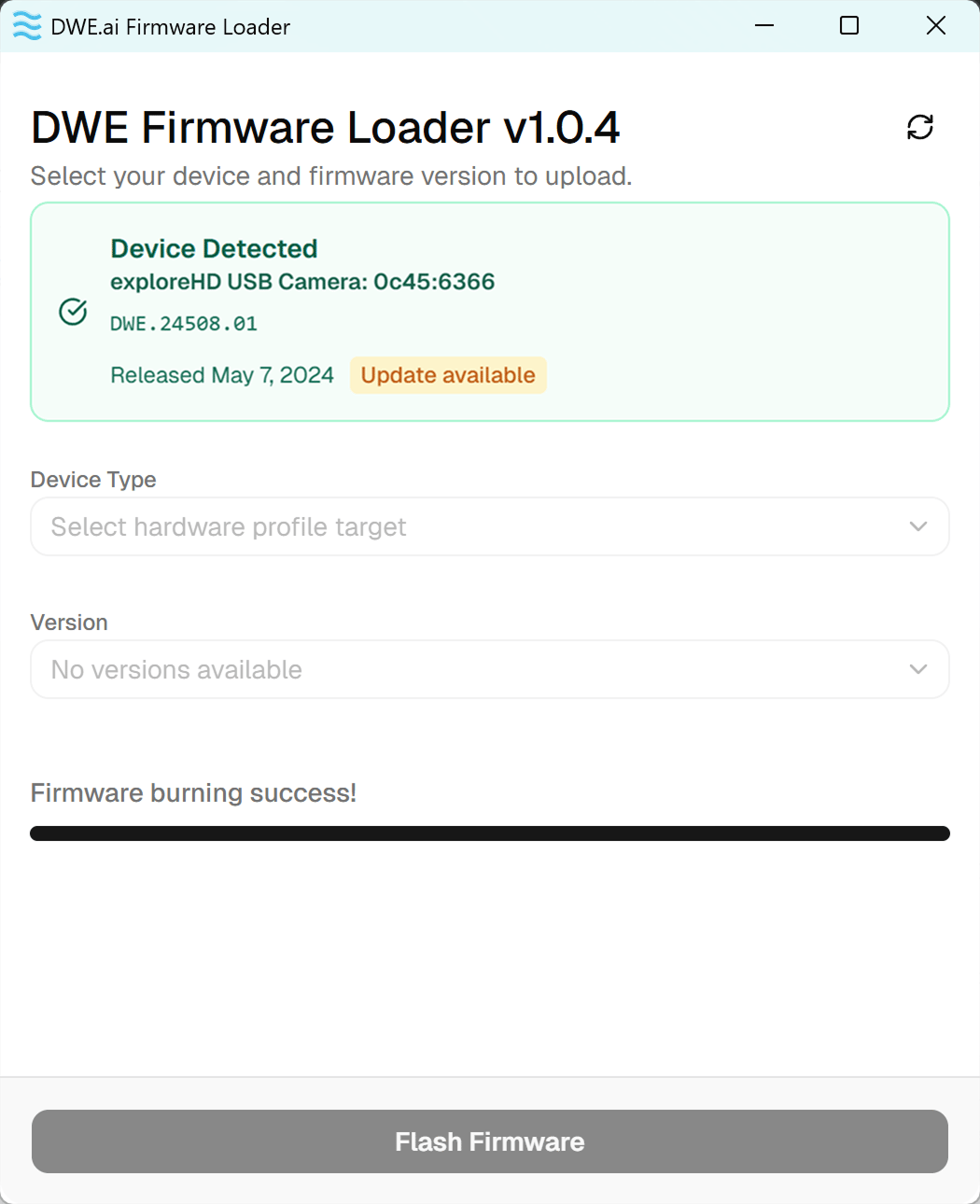
Test your camera
You can test the camera using our online tool below.Online Camera Testing Utility
Convenient tool to test your USB camera feeds.
Troubleshooting
My camera isn't detected / shows Unknown Device Detected
My camera isn't detected / shows Unknown Device Detected
- Ensure the exploreHD is the only camera plugged in.
- If on a laptop, temporarily disable the built-in webcam in Device Manager.
- Close any application that may be using the camera, then click the refresh icon in the top-right of the loader.
- If it still isn’t recognized, follow the Recovery Mode steps above.
The update failed or was interrupted
The update failed or was interrupted
If the flash was interrupted (application closed, camera unplugged, etc.), reconnect the camera and follow the Recovery Mode steps above to reflash.