> ## Documentation Index
> Fetch the complete documentation index at: https://docs.dwe.ai/llms.txt
> Use this file to discover all available pages before exploring further.
# 문제 해결
> SVC Pro 구성 관련 일반적인 문제
# 시각적 아티팩트
이상한 프레임, 밝은 환경에서의 과다 노출, 반응이 느린 자동 노출이 보이시나요? 이는 대개 잘못된 주파수 오프셋으로 인해 발생합니다.
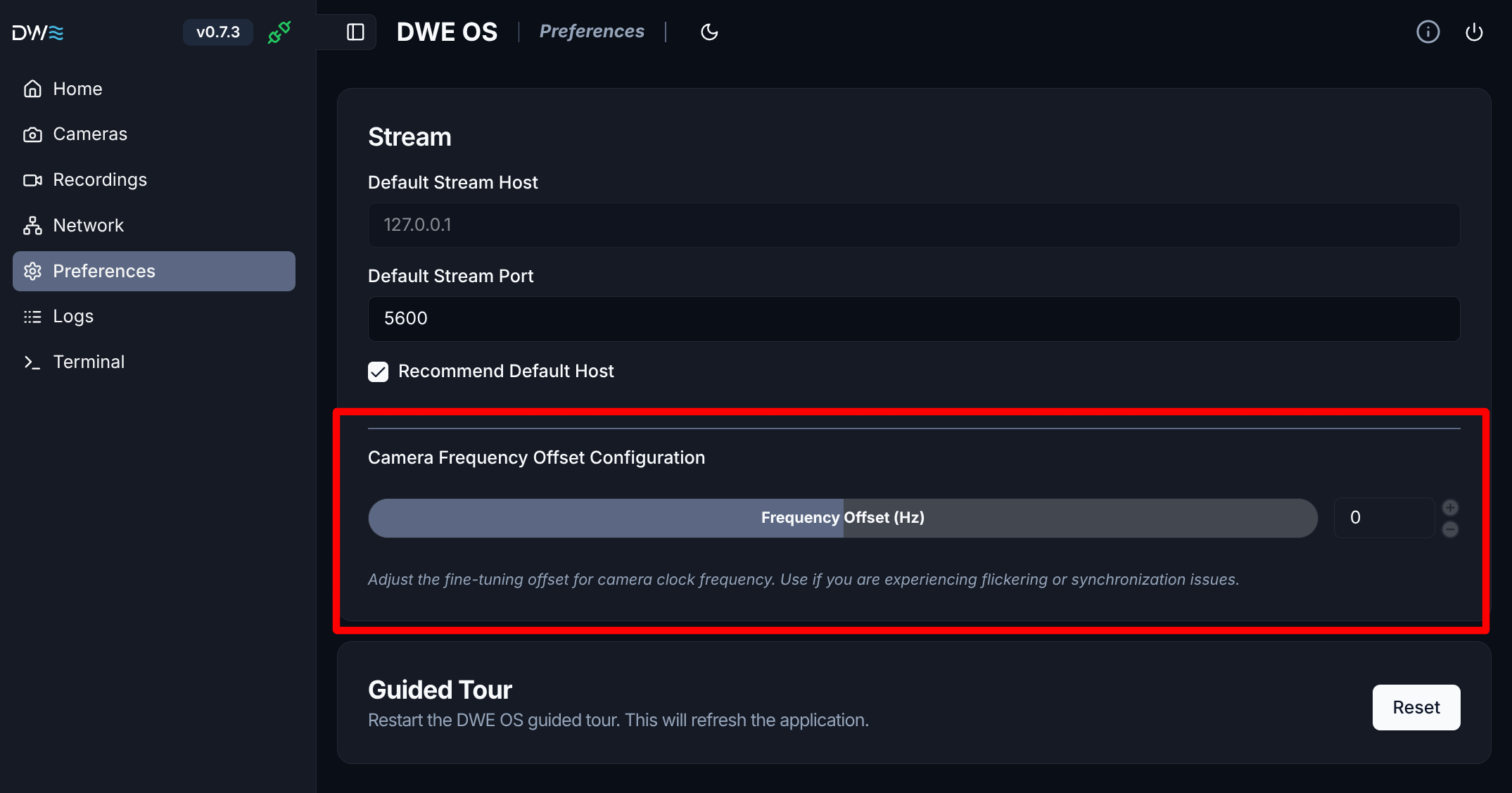
이를 해결하려면, dweOS의 **Preferences**로 이동하여 이미지가 안정될 때까지 주파수 오프셋을 미세 조정하세요. `-0.004`와 같은 작은 변경 값에서 시작하여 문제가 해결될 때까지 값을 조정하세요.
±0.1 Hz를 초과할 필요는 없어야 합니다.
dweOS는 브라우저에서 SVC Pro의 IP 주소로 접근할 수 있습니다.