> ## Documentation Index
> Fetch the complete documentation index at: https://docs.dwe.ai/llms.txt
> Use this file to discover all available pages before exploring further.

# 録画のダウンロード

SVC Pro で動画を録画した後、DeepWater Desktop からデバイス上の動画ファイルを直接ダウンロードできます。

DWVO ファイルをコードに読み込んだり、別のデータセット形式にエクスポートする方法については、[DWVO の読み込み](/ja/discovery/misc/dwvo-reading) ドキュメントをご覧ください。

<Note>
  DWVO 変換のための追加ツールをユーザーのご要望に応じて提供しています。詳しくは [お問い合わせ](https://dwe.ai/pages/contact) ください。
</Note>

<Steps>
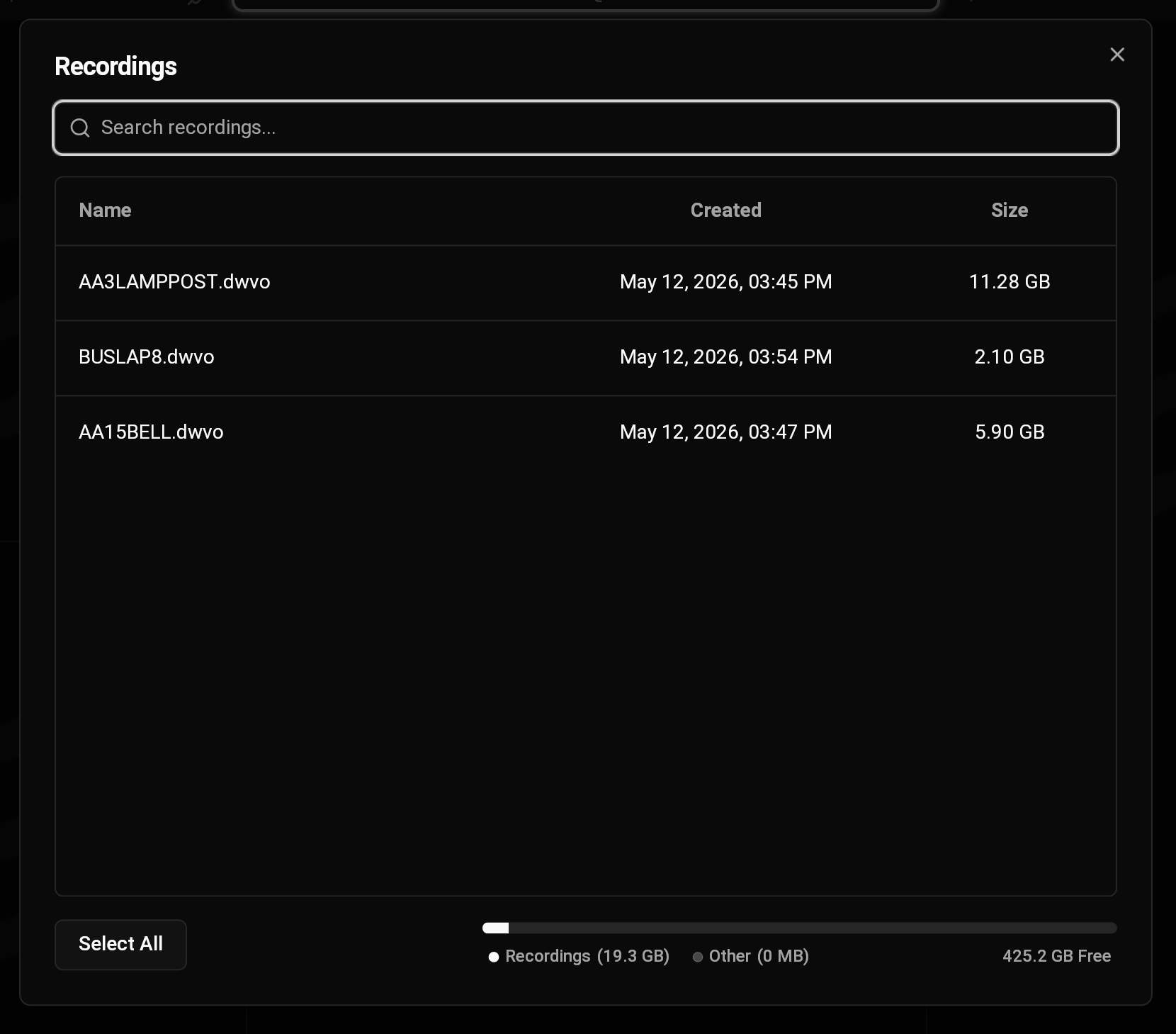
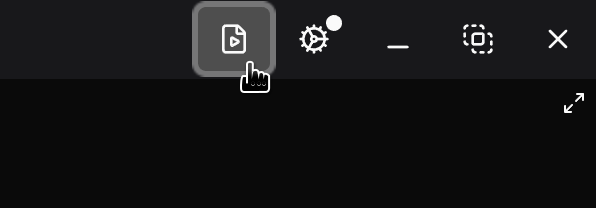
  <Step title="録画ダイアログに移動する">
    <img src="https://mintcdn.com/deepwaterexplorationinc/uBNhHnixPpSOgJv0/dw-desktop/guides/images/recordings-button.png?fit=max&auto=format&n=uBNhHnixPpSOgJv0&q=85&s=9fcbde7130c00182032ad95bd2899495" alt="" width="596" height="208" data-path="dw-desktop/guides/images/recordings-button.png" />

    <img src="https://mintcdn.com/deepwaterexplorationinc/uBNhHnixPpSOgJv0/dw-desktop/guides/images/recordings.png?fit=max&auto=format&n=uBNhHnixPpSOgJv0&q=85&s=e618d7ba694dce499b4b483864c56c94" alt="DWD Recordings" width="1660" height="1459" data-path="dw-desktop/guides/images/recordings.png" />
  </Step>

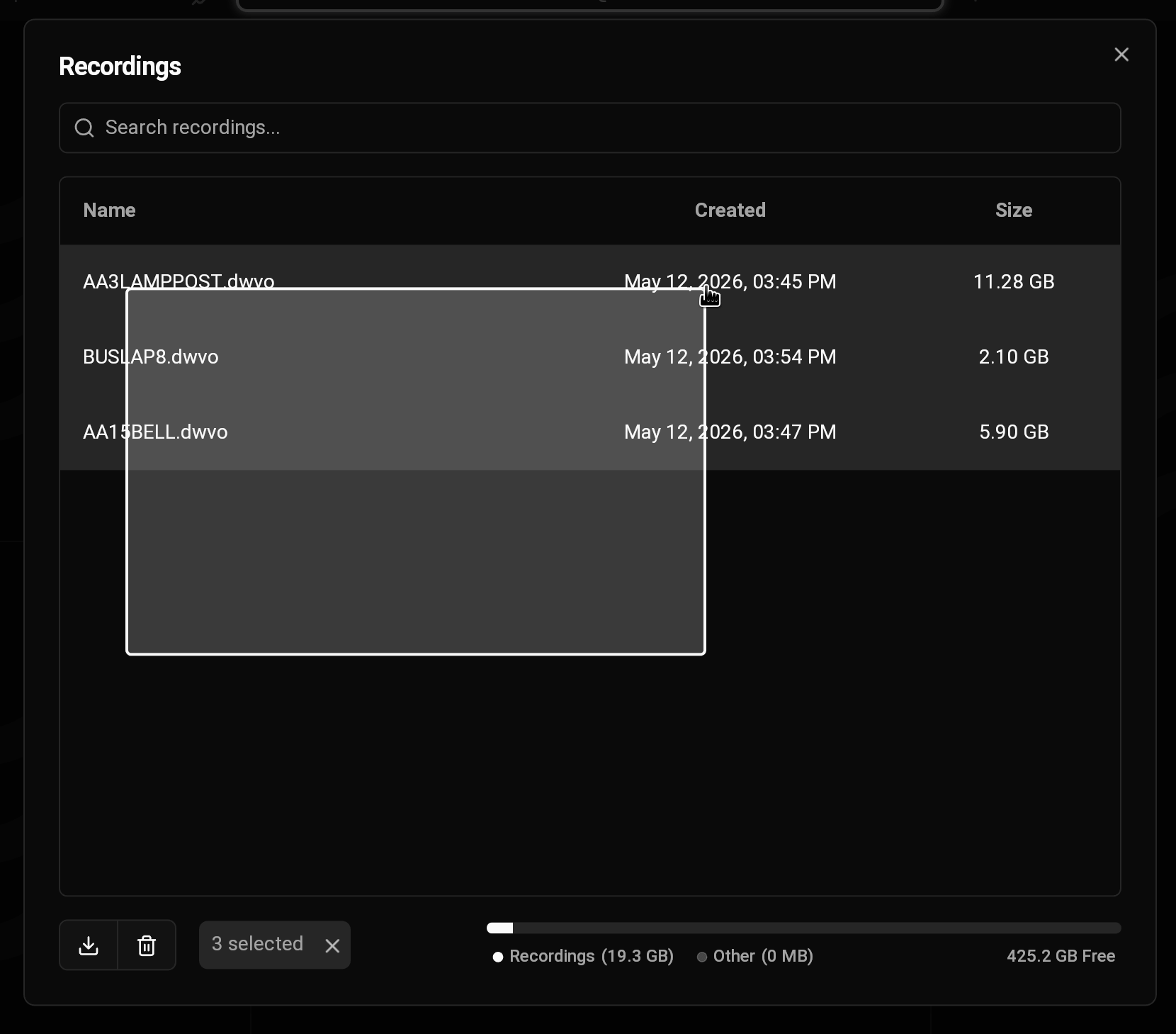
  <Step title="録画を選択する">
    <img src="https://mintcdn.com/deepwaterexplorationinc/uBNhHnixPpSOgJv0/dw-desktop/guides/images/multi-select.png?fit=max&auto=format&n=uBNhHnixPpSOgJv0&q=85&s=fbfd0168808ea9264d0082623a3d364a" alt="Select Multiple" width="1660" height="1459" data-path="dw-desktop/guides/images/multi-select.png" />

    <Tip>
      カーソルをドラッグすることで、複数の録画を一度に選択できます。
    </Tip>
  </Step>

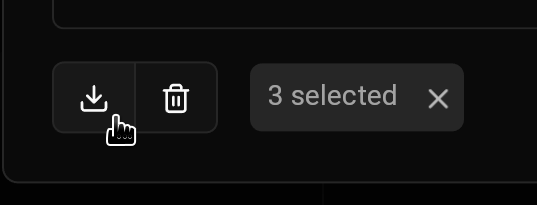
  <Step title="録画をダウンロードする">
    <img src="https://mintcdn.com/deepwaterexplorationinc/uBNhHnixPpSOgJv0/dw-desktop/guides/images/download-recordings.png?fit=max&auto=format&n=uBNhHnixPpSOgJv0&q=85&s=aeeb30d817216b0af7d4fa8e083bd343" alt="" width="537" height="205" data-path="dw-desktop/guides/images/download-recordings.png" />
  </Step>
</Steps>