> ## Documentation Index
> Fetch the complete documentation index at: https://docs.dwe.ai/llms.txt
> Use this file to discover all available pages before exploring further.
# グローバル設定
> アプリケーション全体の設定と高度なネットワーク設定。
これらの設定はアプリケーション全体に適用されます。標準のオプションには、アプリケーションのズームや、アプリケーション右下に表示される通知のミュートがあります。
ここから、私たちへの分析データの送信を有効/無効にすることもできます。分析データは Discovery の改善とバグ修正の迅速化に役立ちます。
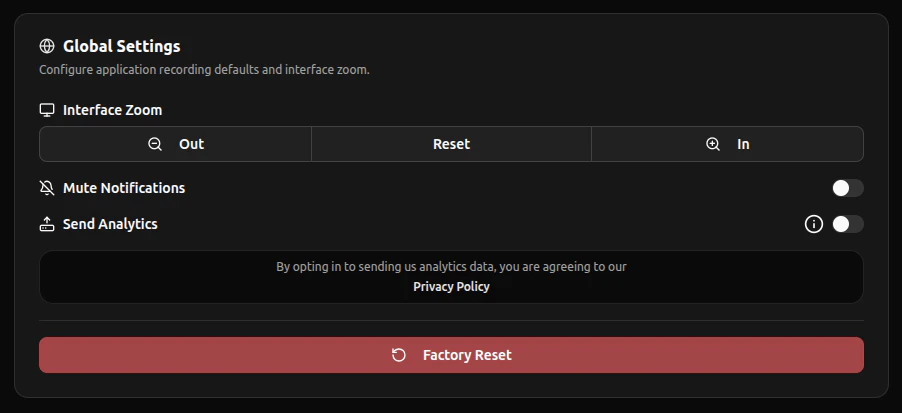 ファクトリーリセットは、すべての設定 **および Stream Viewer ウィンドウ** を更新します。**Factory Reset** を実行する前に、重要な設定が残っていないか必ず確認してください。