> ## Documentation Index
> Fetch the complete documentation index at: https://docs.dwe.ai/llms.txt
> Use this file to discover all available pages before exploring further.
# Acciones del sistema
> Esta guía te enseñará a controlar diferentes aspectos de tu máquina usando dweOS.
Esto solo es necesario en circunstancias muy específicas.
## Acceder a la página
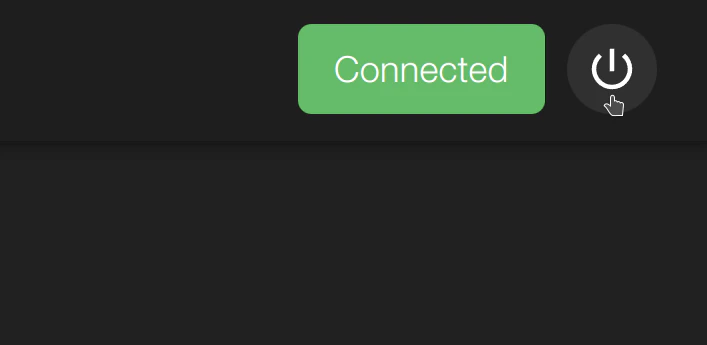
El botón de acciones del sistema está presente en todo momento en dweOS. Se encuentra en la esquina superior derecha y puede seleccionarse para mostrar opciones.
 ## Opciones
Con el botón de acciones del sistema, puedes apagar o reiniciar el sistema.
## Opciones
Con el botón de acciones del sistema, puedes apagar o reiniciar el sistema.
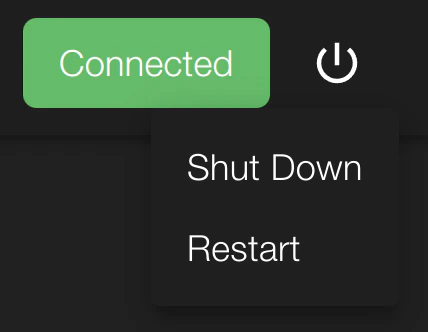 Cuando se selecciona cualquiera de los botones, el sistema perderá
la conexión inmediatamente.
Cuando se selecciona cualquiera de los botones, el sistema perderá
la conexión inmediatamente.