> ## Documentation Index
> Fetch the complete documentation index at: https://docs.dwe.ai/llms.txt
> Use this file to discover all available pages before exploring further.
# Wireless Configuration
> This guide is to help you setup WiFi in dweOS
## Accessing the Page
Navigate to `Communications/WiFi`
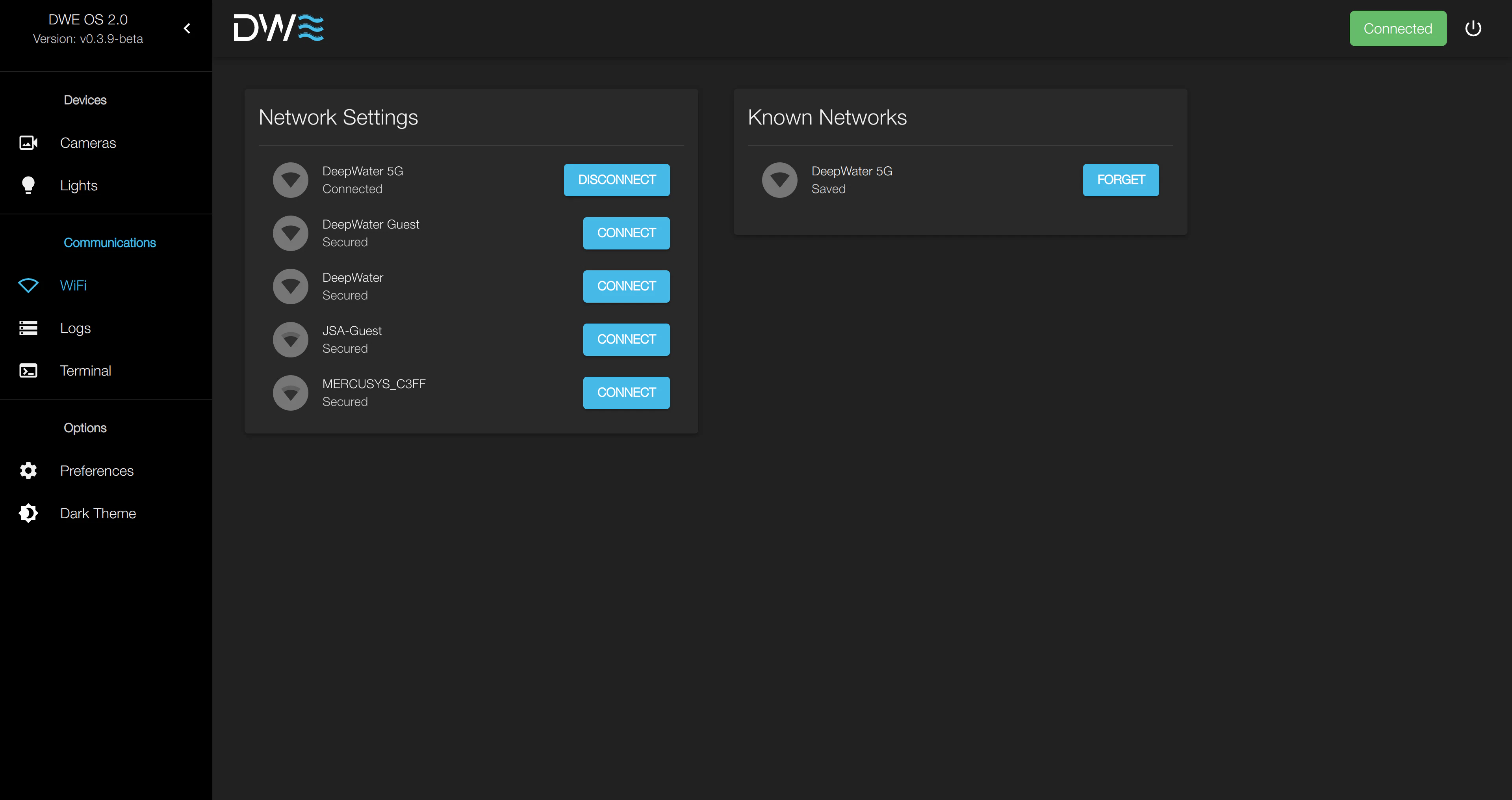 > This shows the device is currently connected to `DeepWater 5G`
## Connecting to a Network
If there are a lot of networks near you, you may need to scroll to find
the correct network.
> This shows the device is currently connected to `DeepWater 5G`
## Connecting to a Network
If there are a lot of networks near you, you may need to scroll to find
the correct network.
 If the network does not have a password, there will be no text box, but
you can still connect.
If the network does not have a password, there will be no text box, but
you can still connect.
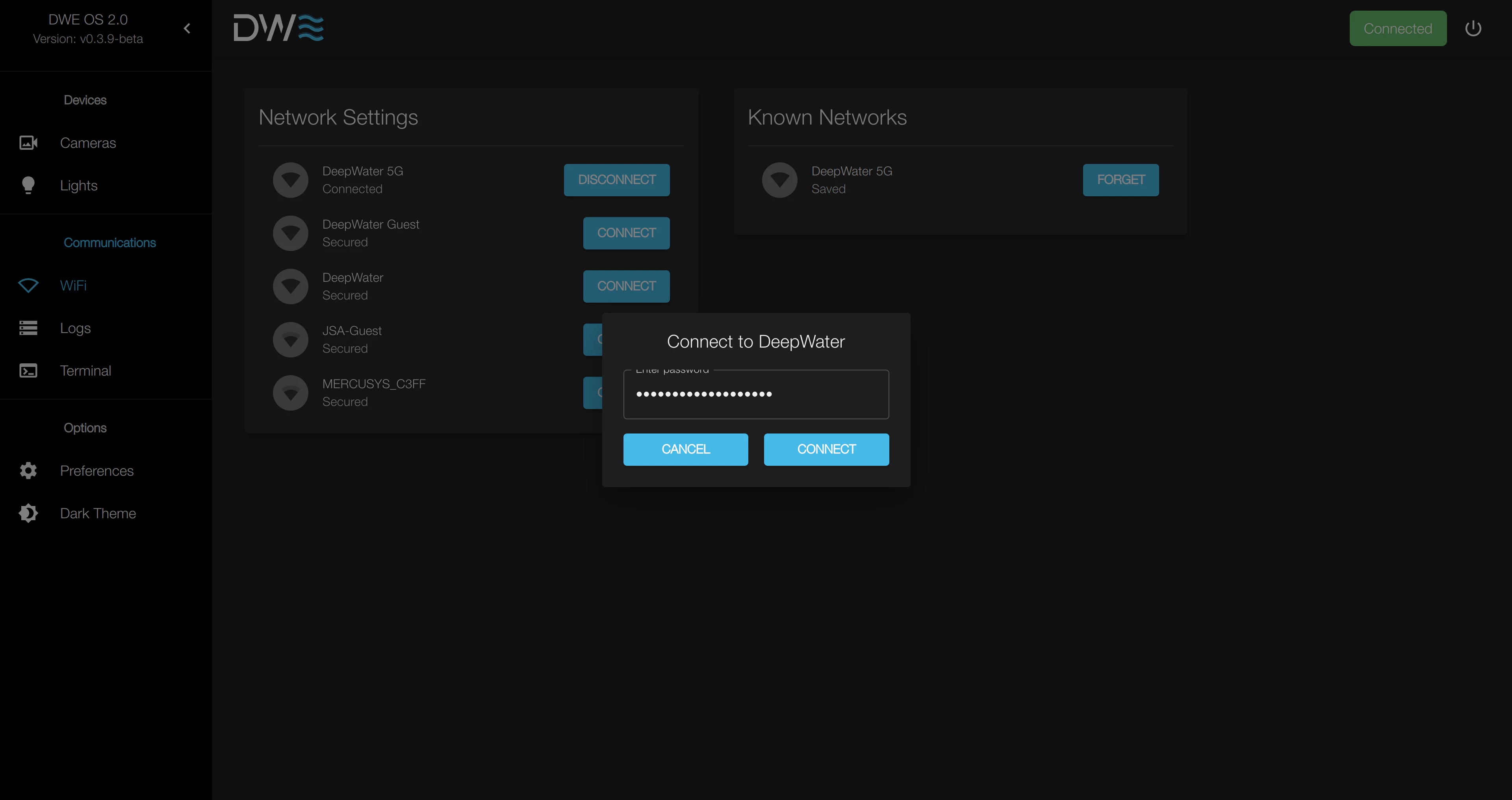 After attempting to connect to a network, the system will alert if the
connection was successful or not.
## Notes on wireless functionality
When the device running dweOS is connected to a wireless network while simultaneously being connected to a control computer over ethernet, it will be unable to access the internet. It is therefore a requirement for the user to physically unplug or disable the ethernet adapter in order for the subsea computer to access the internet. Then the user must connect to the subsea computer over the wireless network.
This complication will be fixed in a future version of dweOS
After attempting to connect to a network, the system will alert if the
connection was successful or not.
## Notes on wireless functionality
When the device running dweOS is connected to a wireless network while simultaneously being connected to a control computer over ethernet, it will be unable to access the internet. It is therefore a requirement for the user to physically unplug or disable the ethernet adapter in order for the subsea computer to access the internet. Then the user must connect to the subsea computer over the wireless network.
This complication will be fixed in a future version of dweOS