> ## Documentation Index
> Fetch the complete documentation index at: https://docs.dwe.ai/llms.txt
> Use this file to discover all available pages before exploring further.
# System Actions
> This guide will teach you how to control different aspects of your machine using dweOS
This is only necessary in very specific circumstances.
## Accessing the Page
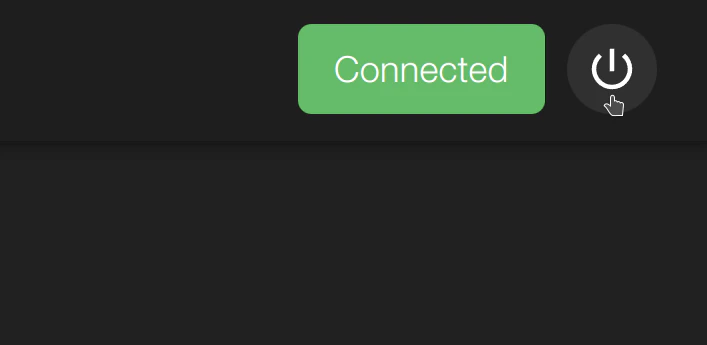
The system actions button is located at all times in dweOS. It is located in the top right and can be selected for options.
 ## Options
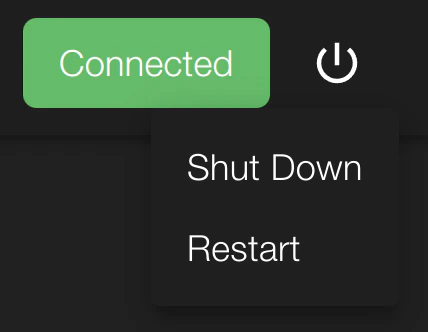
With the system actions button, you are able to either shutdown, or restart the system.
## Options
With the system actions button, you are able to either shutdown, or restart the system.
 Upon either button being selected, the system will immediately lose
connection.
Upon either button being selected, the system will immediately lose
connection.