> ## Documentation Index
> Fetch the complete documentation index at: https://docs.dwe.ai/llms.txt
> Use this file to discover all available pages before exploring further.
# Configuring Lights
> The following is a guide to help you get started with lights in dweOS
## Accessing the page
The lights page is located at `Devices/Lights` in the navigation bar.
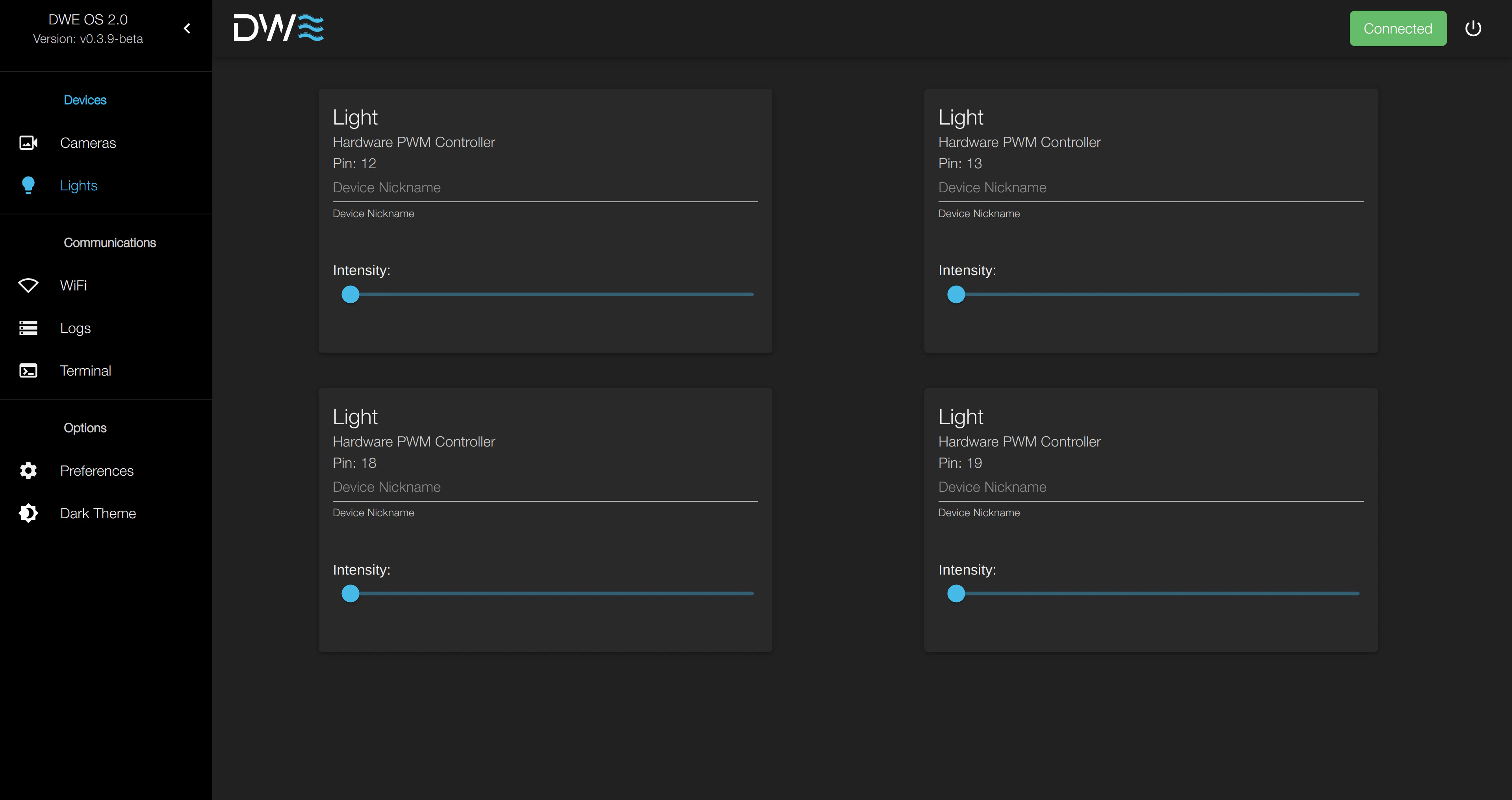 ## Setting Intensity
The light intensity will not be saved. and will need to be set again upon
system reboot.
Lights are only currently supported on all models of Raspberry Pi.
## Setting Intensity
The light intensity will not be saved. and will need to be set again upon
system reboot.
Lights are only currently supported on all models of Raspberry Pi.