> ## Documentation Index
> Fetch the complete documentation index at: https://docs.dwe.ai/llms.txt
> Use this file to discover all available pages before exploring further.

# Downloading Recordings

After recording a video on the SVC Pro, you can download the video file directly from the device through DeepWater Desktop.

Please see the [DWVO Reading](/discovery/misc/dwvo-reading) documentation for how to programmatically load a DWVO file into your code or export it to another dataset format.

<Note>
  We provide additional tooling for DWVO conversion upon user request. Please [contact us](https://dwe.ai/pages/contact) for more information.
</Note>

<Steps>
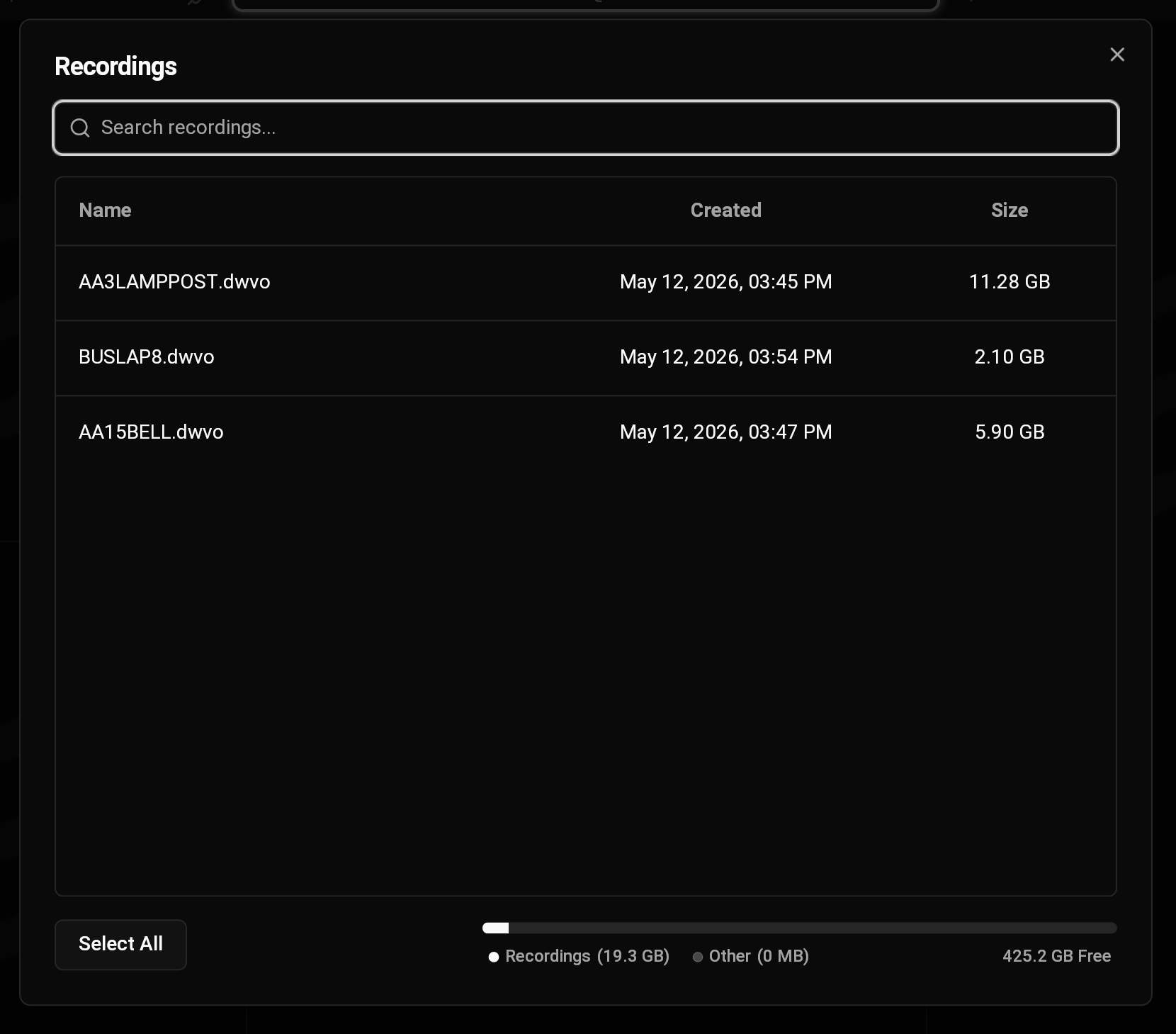
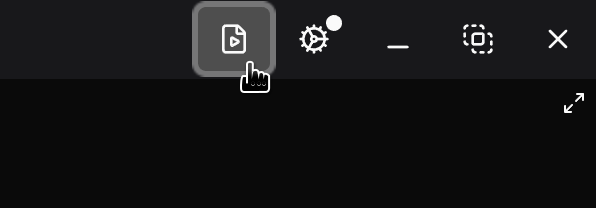
  <Step title="Navigate to the recordings dialog">
    <img src="https://mintcdn.com/deepwaterexplorationinc/uBNhHnixPpSOgJv0/dw-desktop/guides/images/recordings-button.png?fit=max&auto=format&n=uBNhHnixPpSOgJv0&q=85&s=9fcbde7130c00182032ad95bd2899495" alt="" width="596" height="208" data-path="dw-desktop/guides/images/recordings-button.png" />

    <img src="https://mintcdn.com/deepwaterexplorationinc/uBNhHnixPpSOgJv0/dw-desktop/guides/images/recordings.png?fit=max&auto=format&n=uBNhHnixPpSOgJv0&q=85&s=e618d7ba694dce499b4b483864c56c94" alt="DWD Recordings" width="1660" height="1459" data-path="dw-desktop/guides/images/recordings.png" />
  </Step>

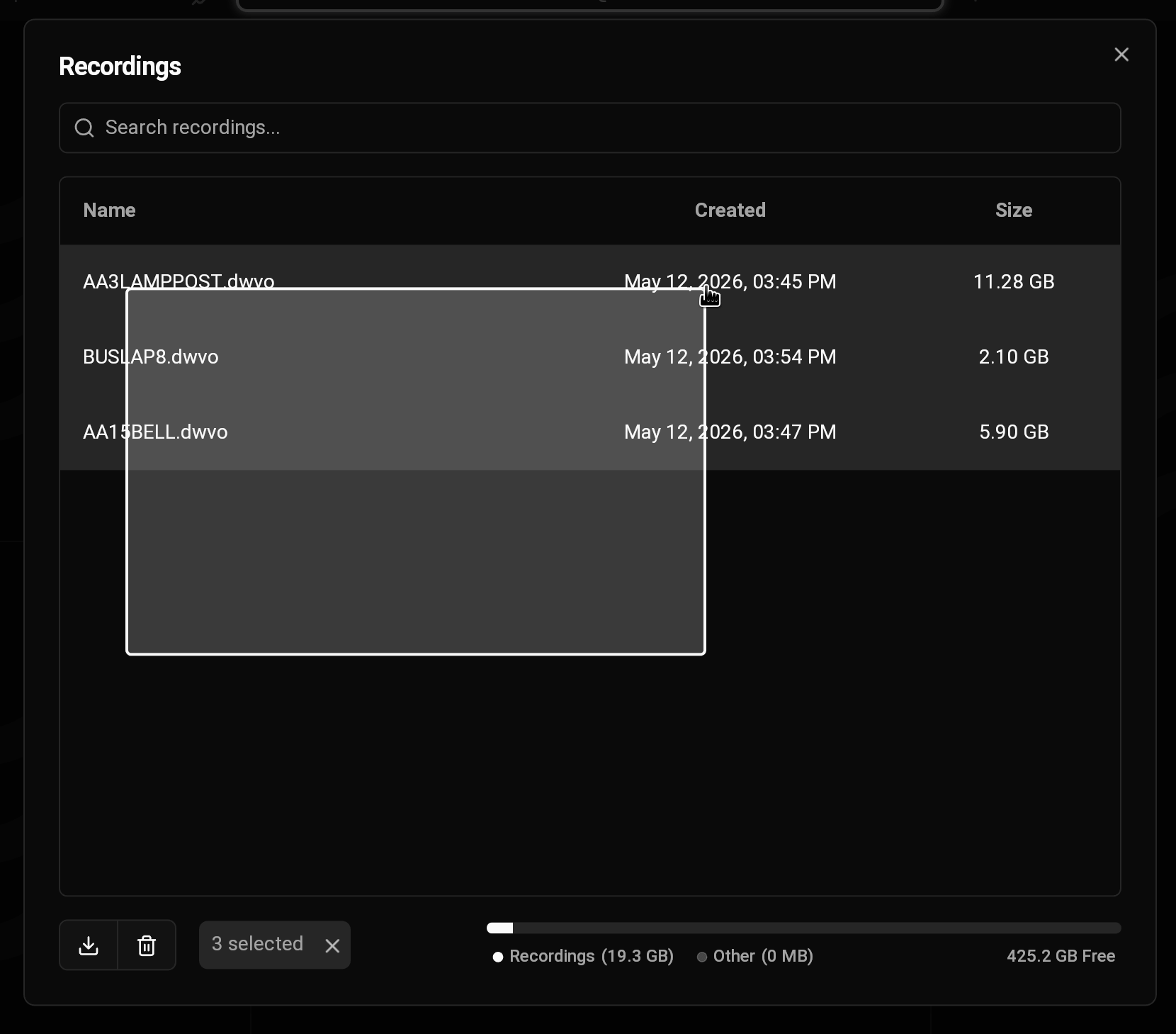
  <Step title="Select recordings">
    <img src="https://mintcdn.com/deepwaterexplorationinc/uBNhHnixPpSOgJv0/dw-desktop/guides/images/multi-select.png?fit=max&auto=format&n=uBNhHnixPpSOgJv0&q=85&s=fbfd0168808ea9264d0082623a3d364a" alt="Select Multiple" width="1660" height="1459" data-path="dw-desktop/guides/images/multi-select.png" />

    <Tip>
      You can select multiple recordings at once by dragging your cursor.
    </Tip>
  </Step>

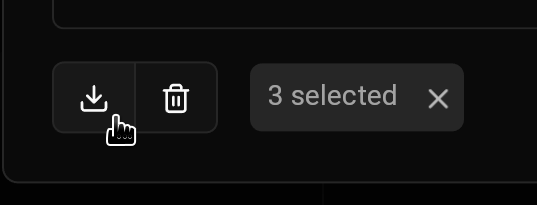
  <Step title="Download recordings">
    <img src="https://mintcdn.com/deepwaterexplorationinc/uBNhHnixPpSOgJv0/dw-desktop/guides/images/download-recordings.png?fit=max&auto=format&n=uBNhHnixPpSOgJv0&q=85&s=aeeb30d817216b0af7d4fa8e083bd343" alt="" width="537" height="205" data-path="dw-desktop/guides/images/download-recordings.png" />
  </Step>
</Steps>