> ## Documentation Index
> Fetch the complete documentation index at: https://docs.dwe.ai/llms.txt
> Use this file to discover all available pages before exploring further.
# Video Card Overview
> An overview of the controls available on each video card.
Each video card features several controls to manage your streams, recording states, and views.
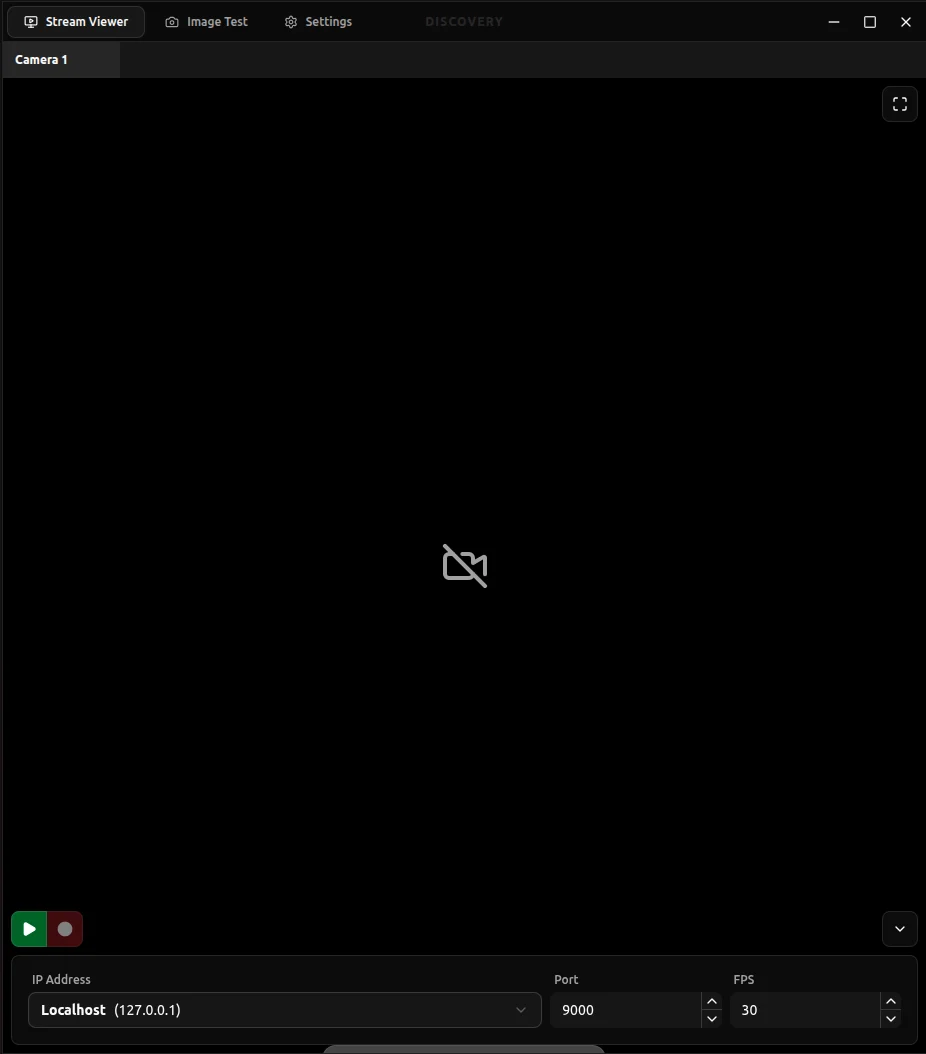 Select a section below to learn more about specific card buttons:
Configure the streaming endpoints for your video card.
Control streaming and recording states.
Take snapshots of the current stream.
Toggle the configuration fields.
Adjust how the video feed fits within the card.
View the stream's bitrate and track it over time.
Select a section below to learn more about specific card buttons:
Configure the streaming endpoints for your video card.
Control streaming and recording states.
Take snapshots of the current stream.
Toggle the configuration fields.
Adjust how the video feed fits within the card.
View the stream's bitrate and track it over time.