> ## Documentation Index
> Fetch the complete documentation index at: https://docs.dwe.ai/llms.txt
> Use this file to discover all available pages before exploring further.
# Systemaktionen
> Diese Anleitung zeigt Ihnen, wie Sie verschiedene Aspekte Ihres Rechners mit dweOS steuern können.
Dies ist nur in ganz bestimmten Situationen erforderlich.
## Auf die Seite zugreifen
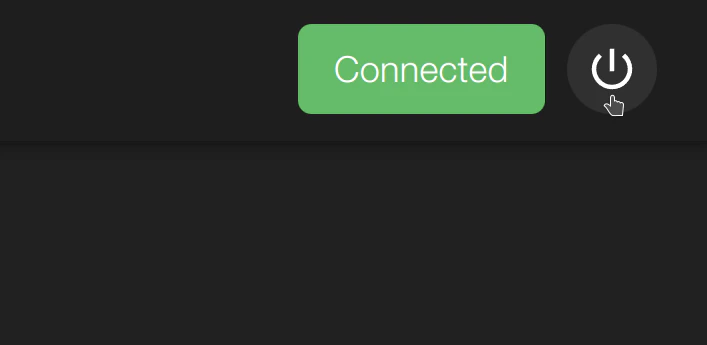
Die Schaltfläche für Systemaktionen ist in dweOS jederzeit verfügbar. Sie befindet sich oben rechts und kann für Optionen ausgewählt werden.
 ## Optionen
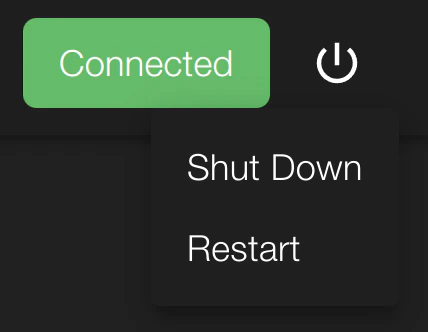
Mit der Schaltfläche für Systemaktionen können Sie das System entweder herunterfahren oder neu starten.
## Optionen
Mit der Schaltfläche für Systemaktionen können Sie das System entweder herunterfahren oder neu starten.
 Sobald eine der beiden Schaltflächen ausgewählt wird, verliert das System
sofort die Verbindung.
Sobald eine der beiden Schaltflächen ausgewählt wird, verliert das System
sofort die Verbindung.